Renata Tupy

Canva Back to School

Your teaching toolkit this year. Canva’s Back to School 2026 campaign welcomed teachers into the new school year with a toolkit built for the classroom: AI-powered learning activities, live lessons, coding, easy assigning and offline access, all free for schools. The campaign launched in the Canva Newsroom and was brought to life with real teachers and students.

ROLE: Creative Lead, Campaign: with hands-on design and art direction
TEAM: Canva Creative Team
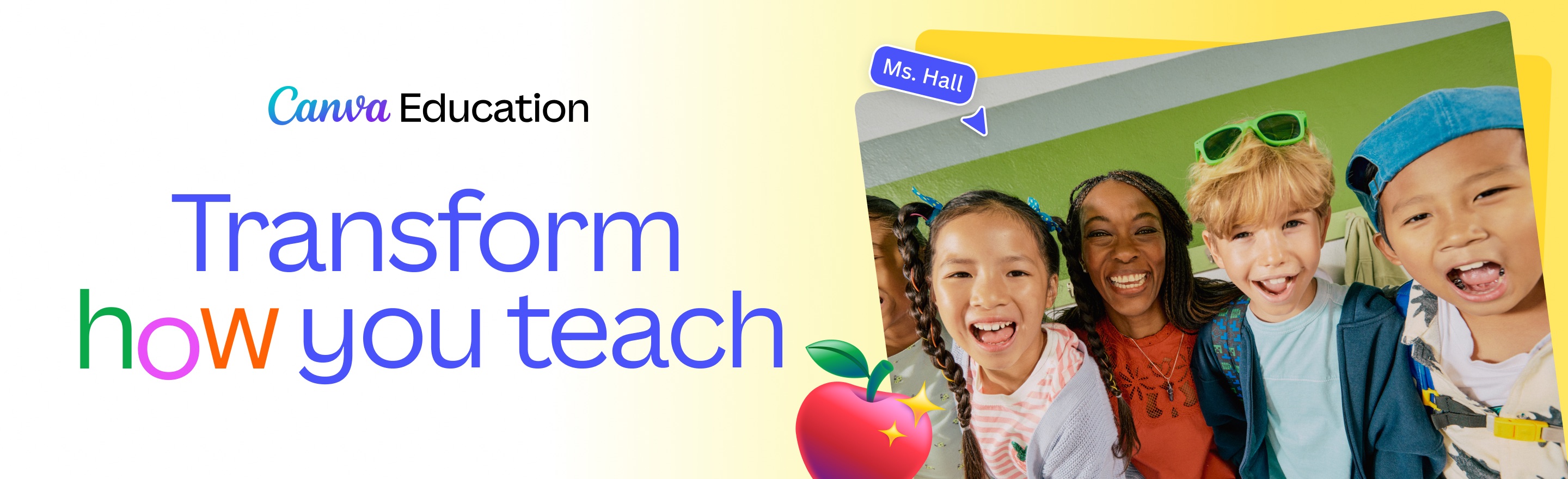
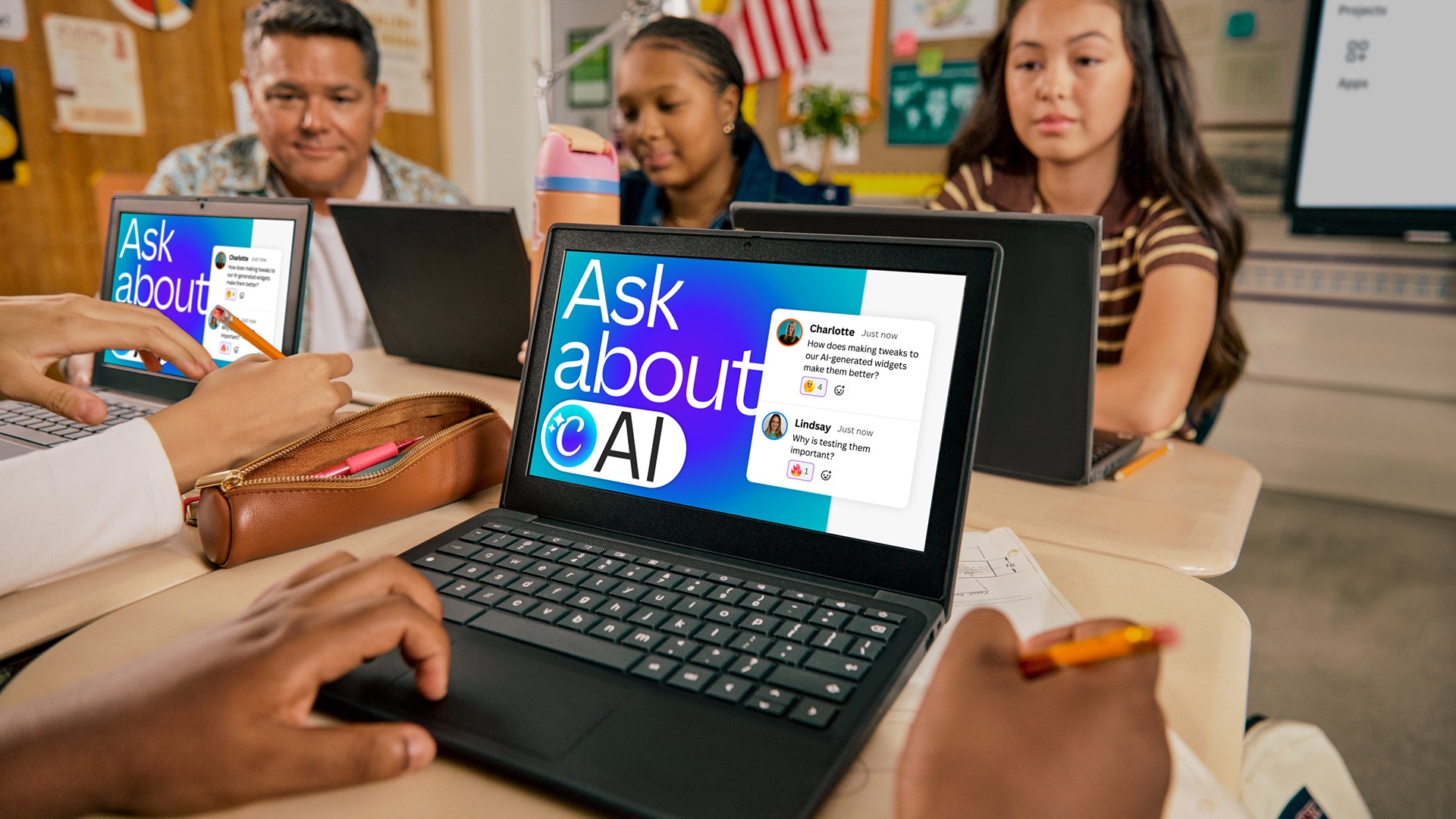
Canva Education: Transform how you teach, banner with a teacher and her students Students on laptops with the Ask about AI course on screen

Real classrooms, real joy

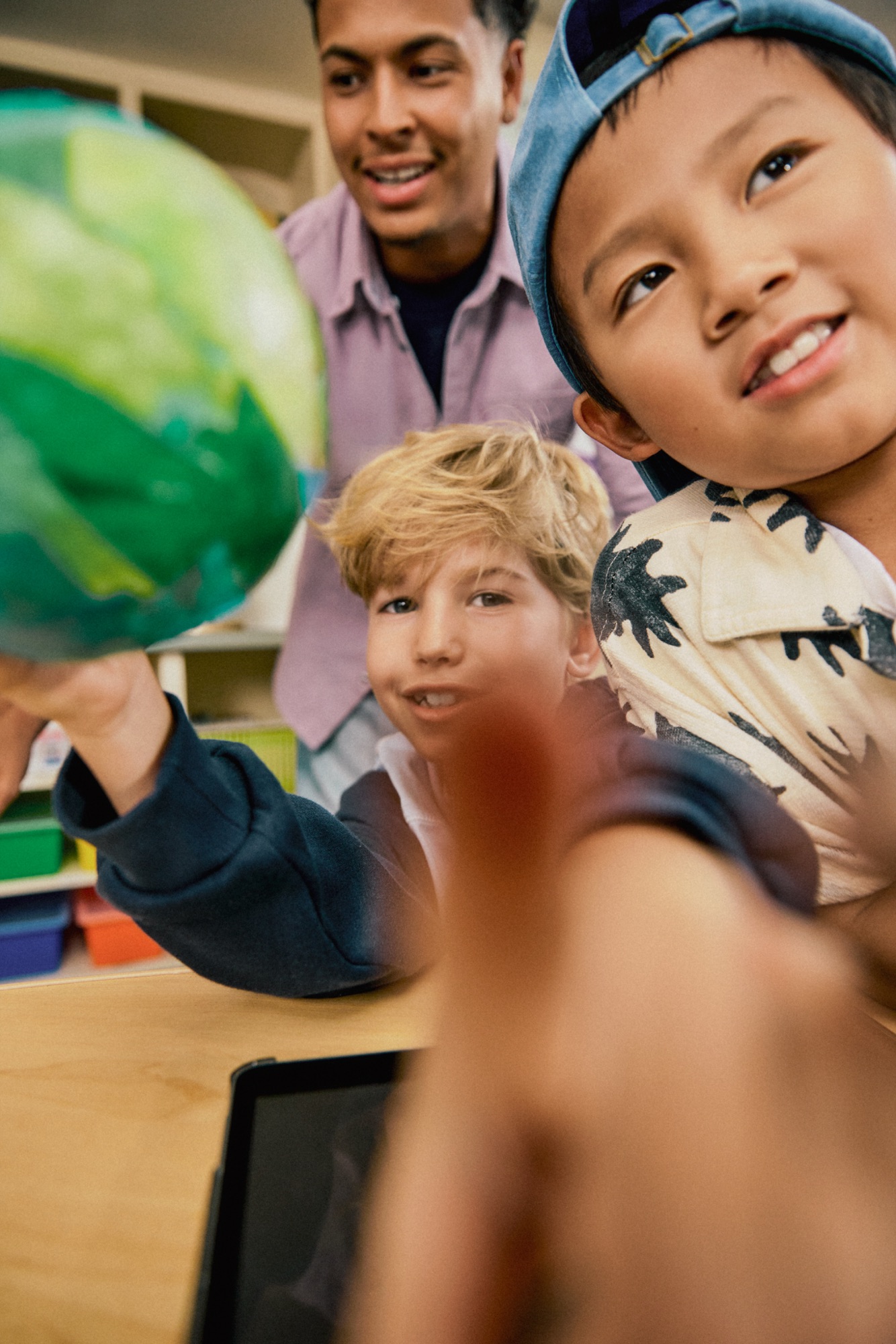
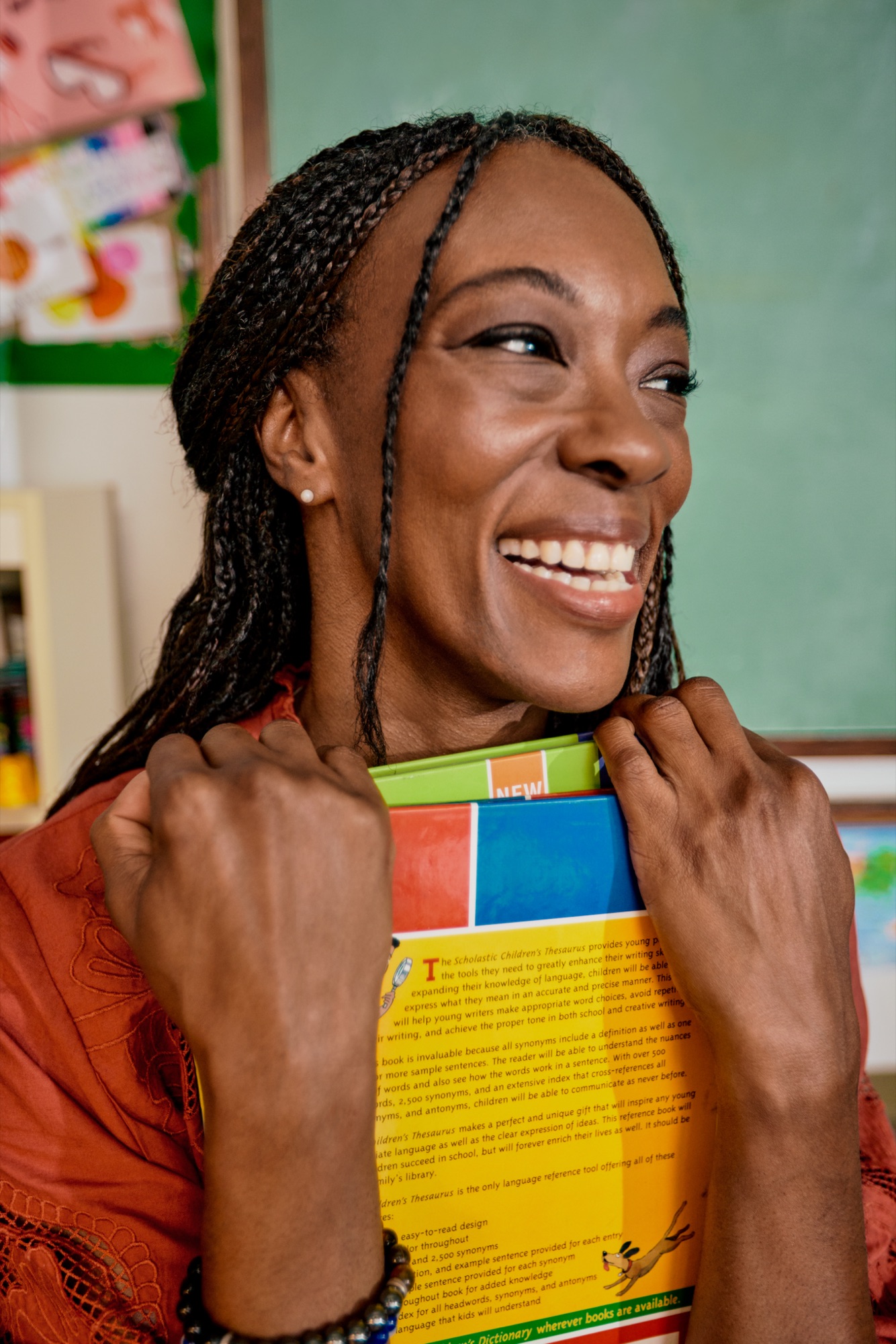
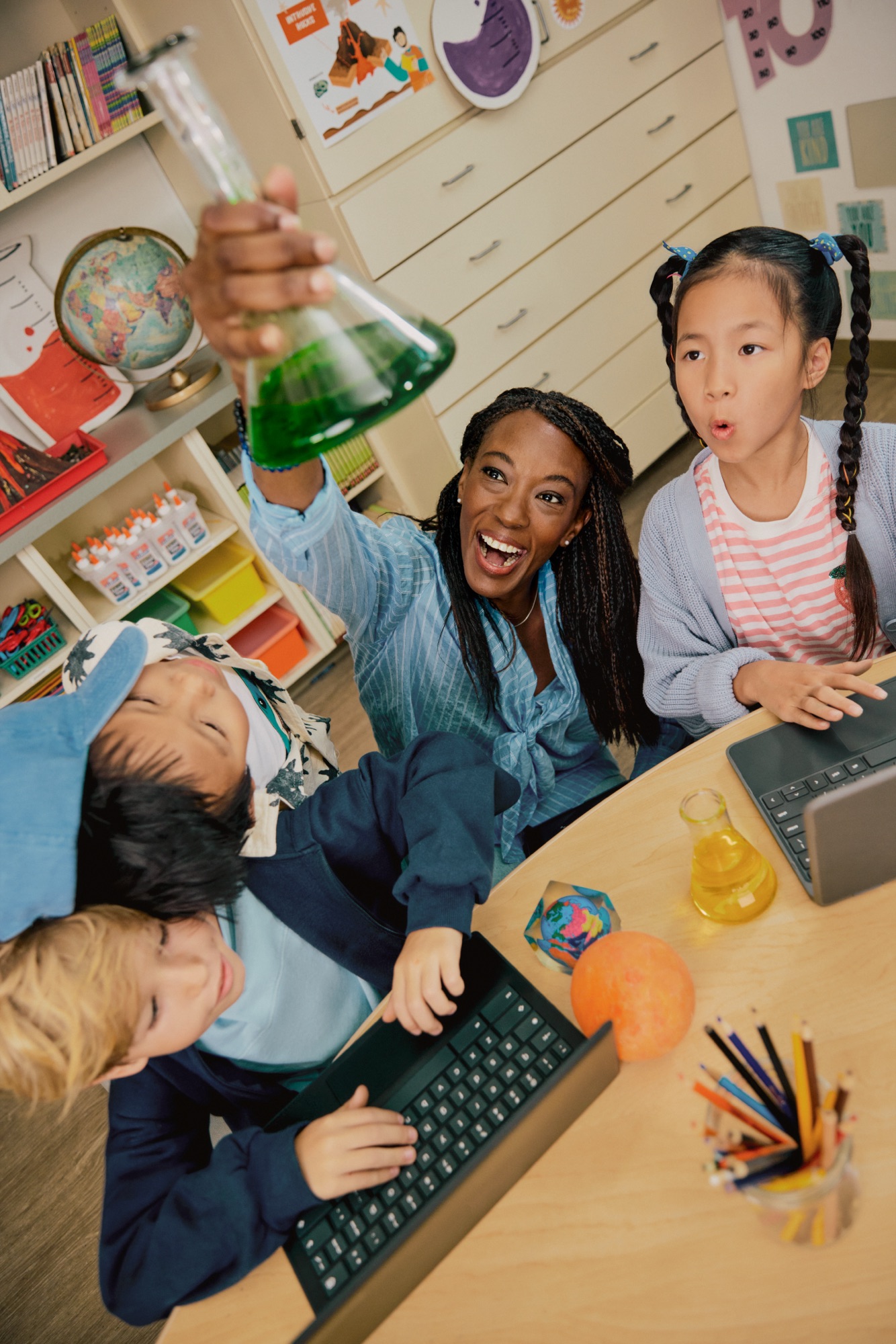
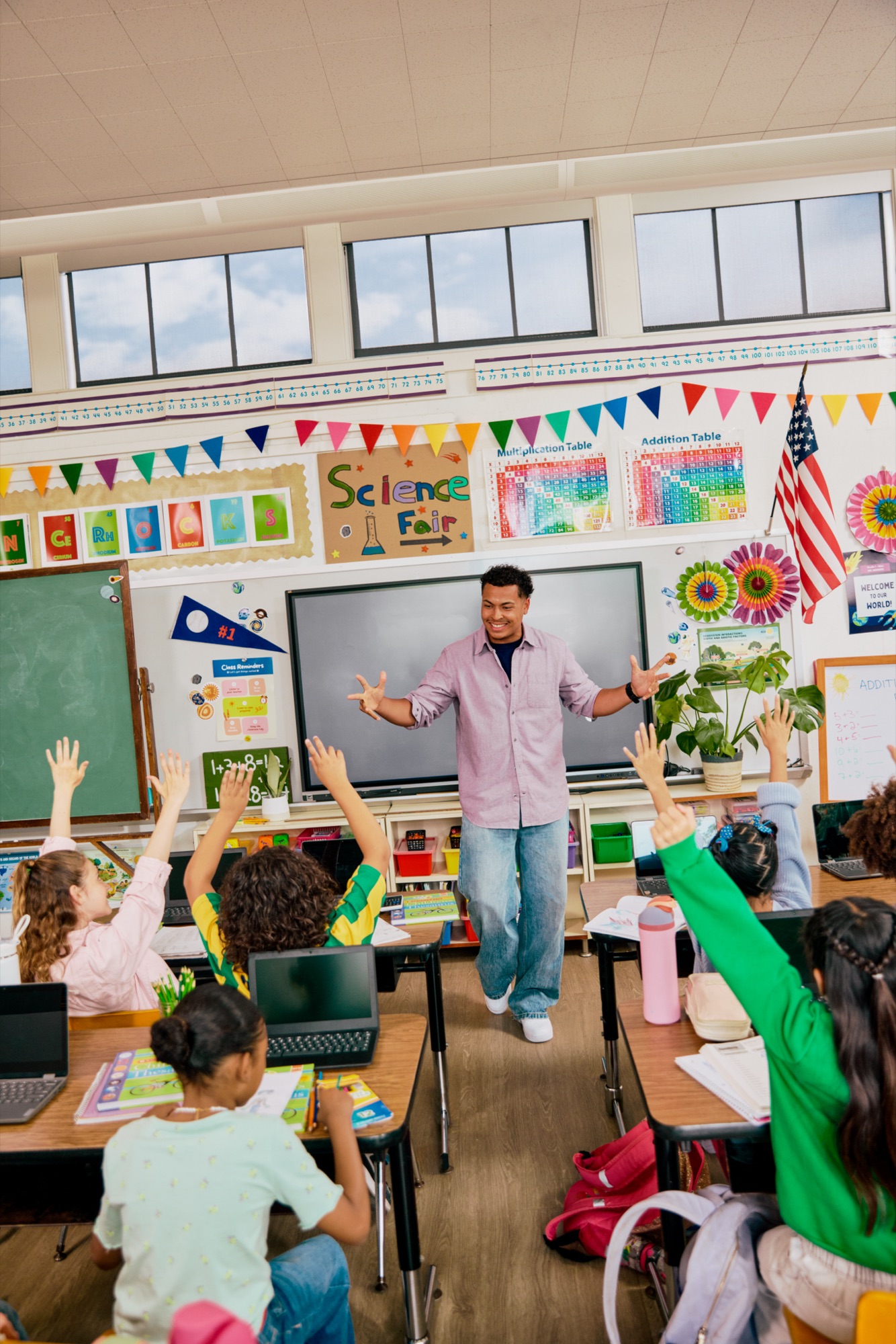
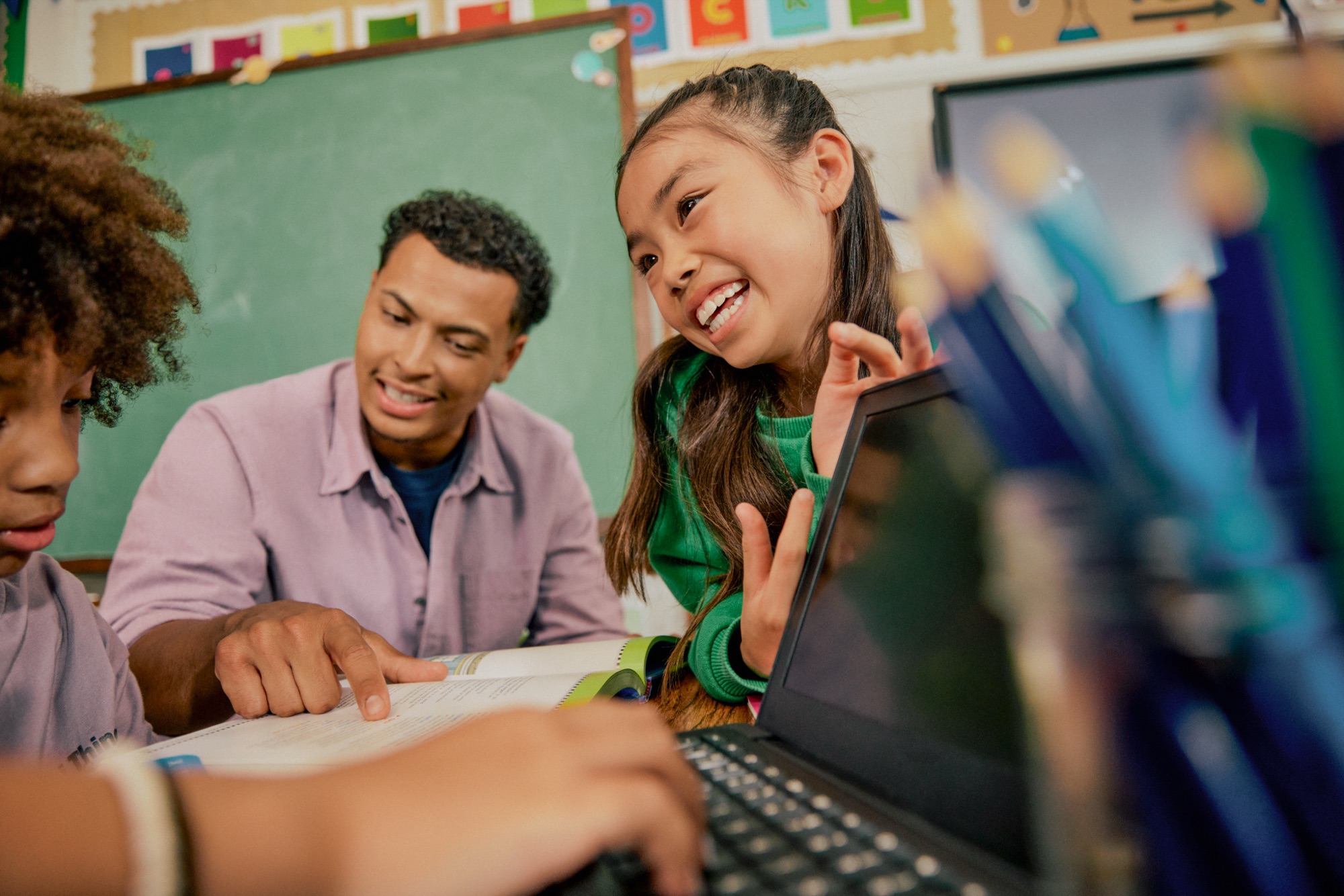
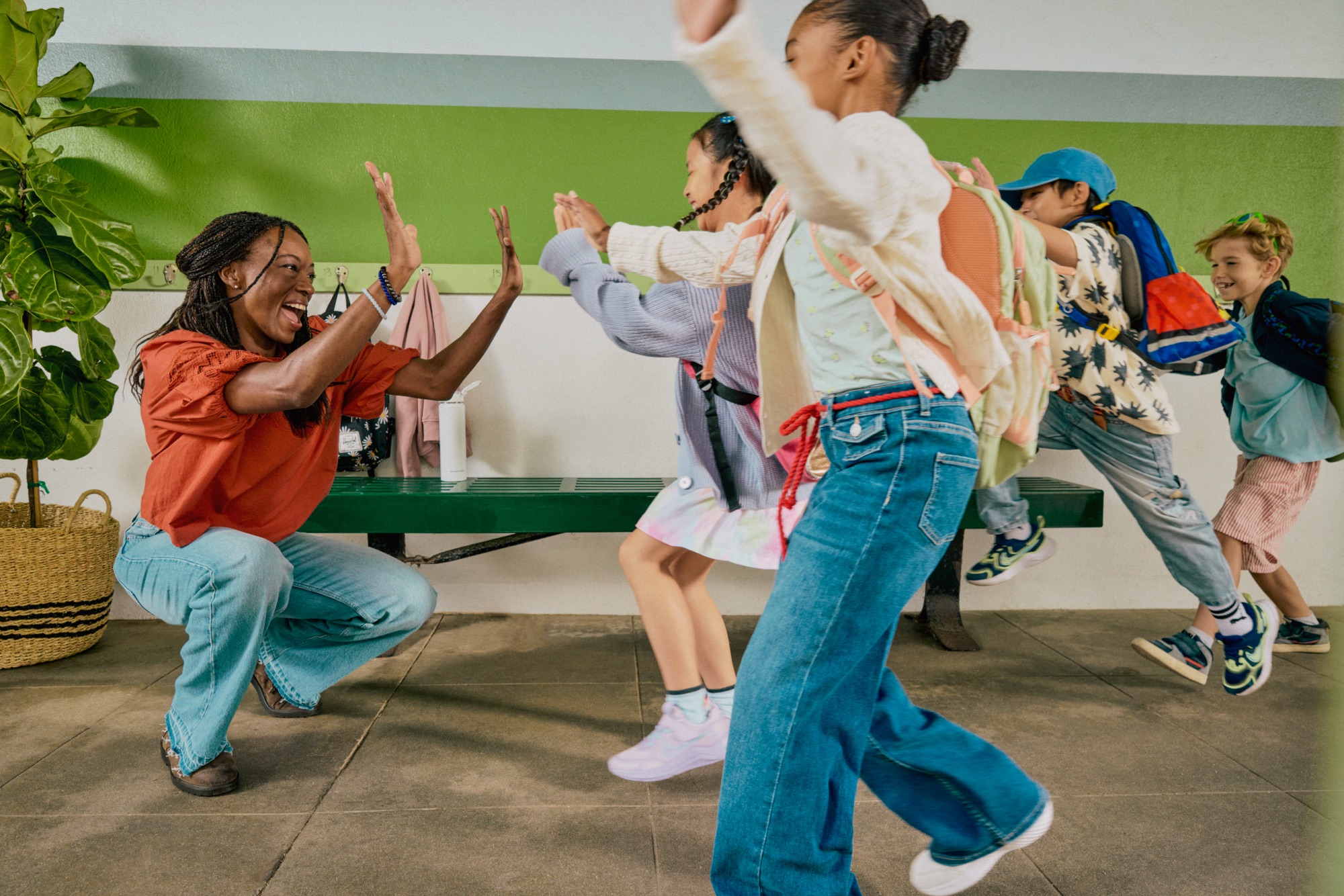
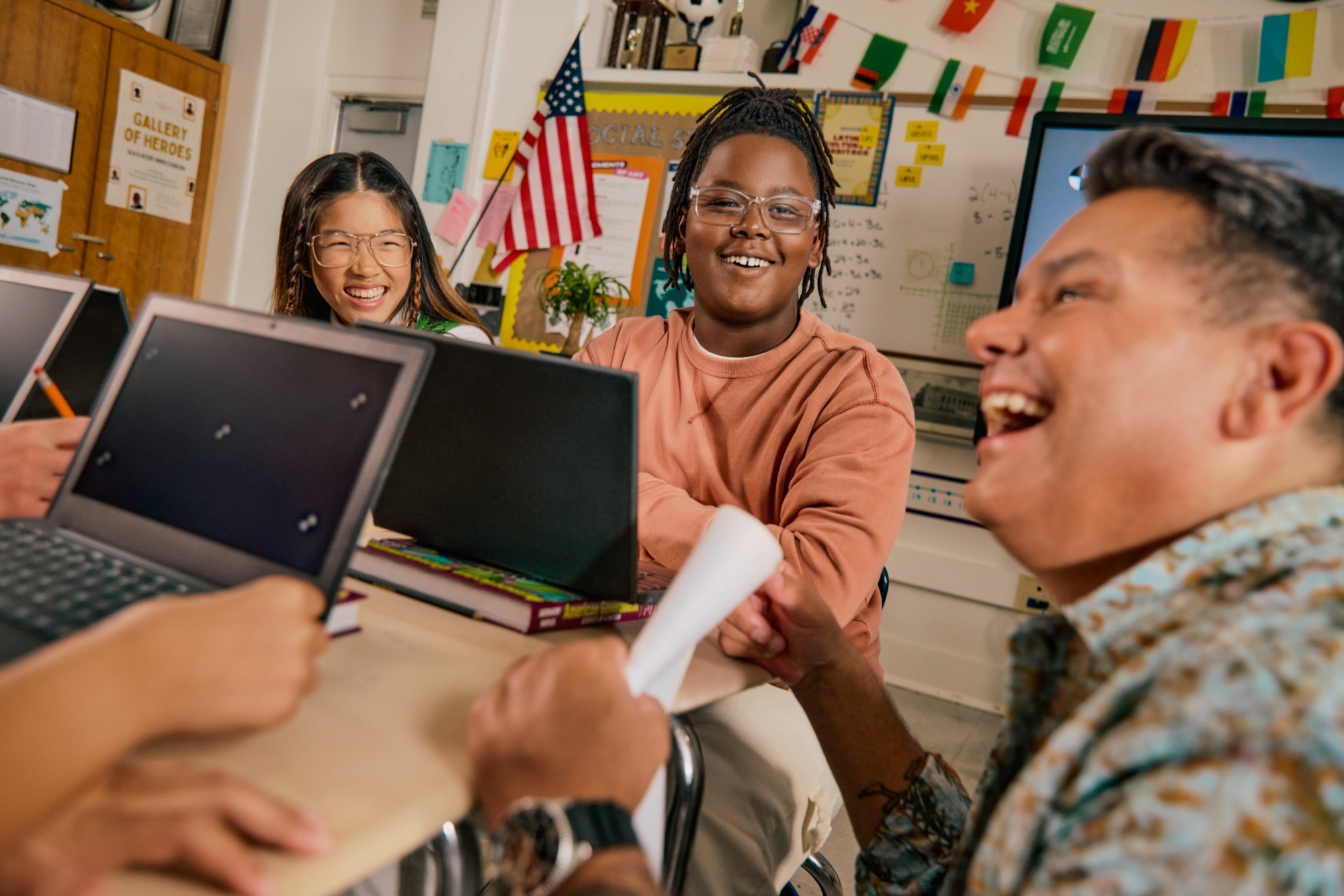
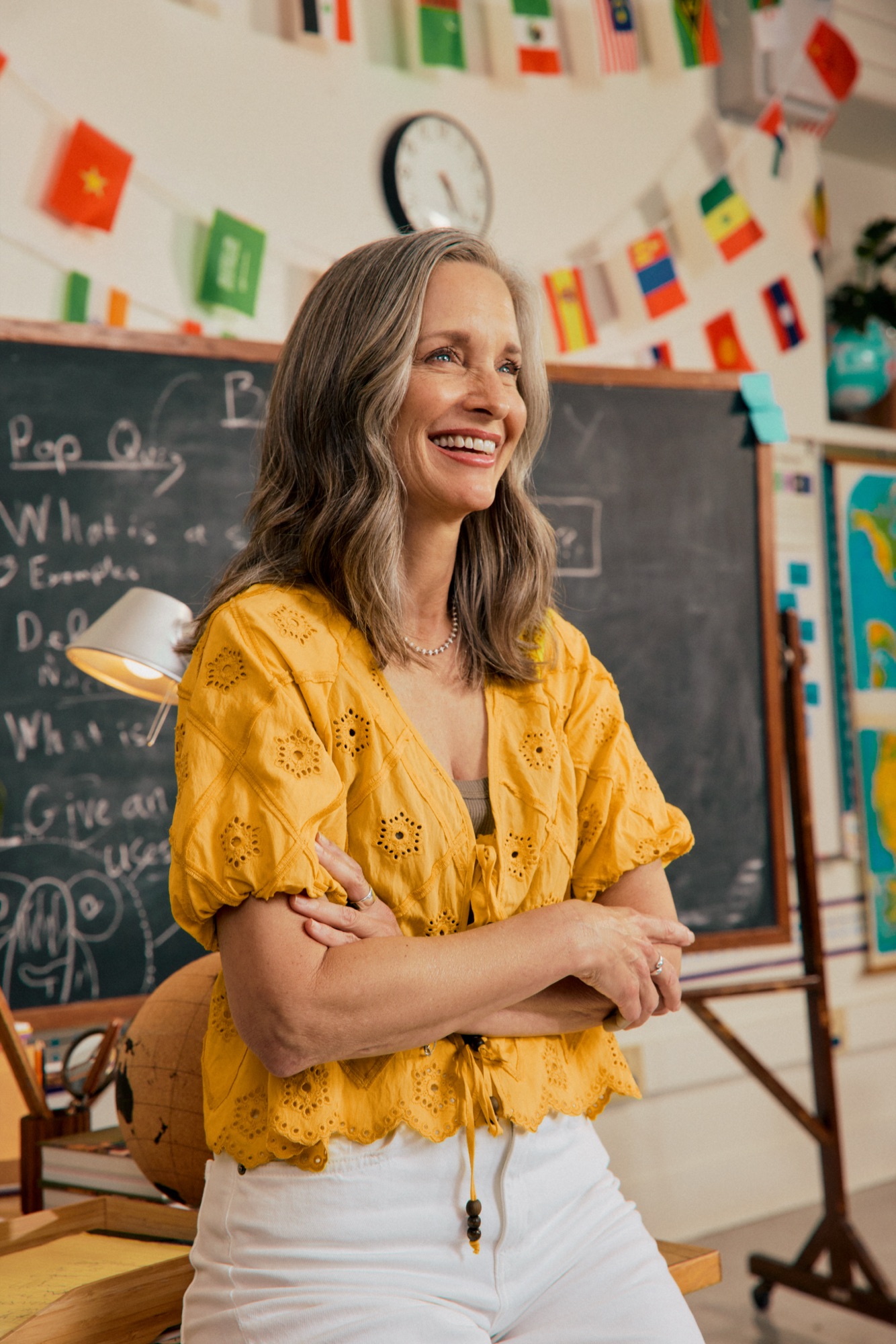
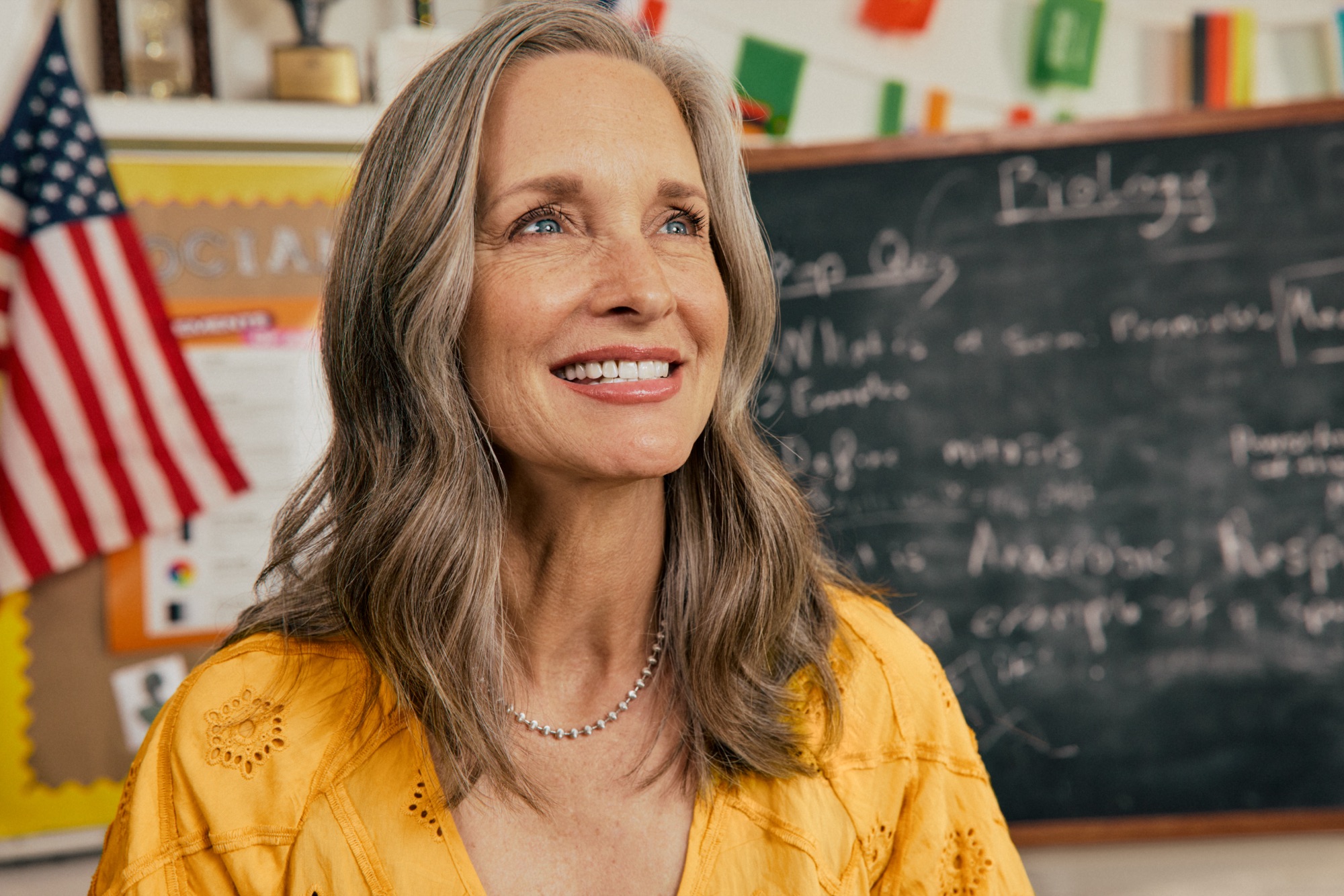
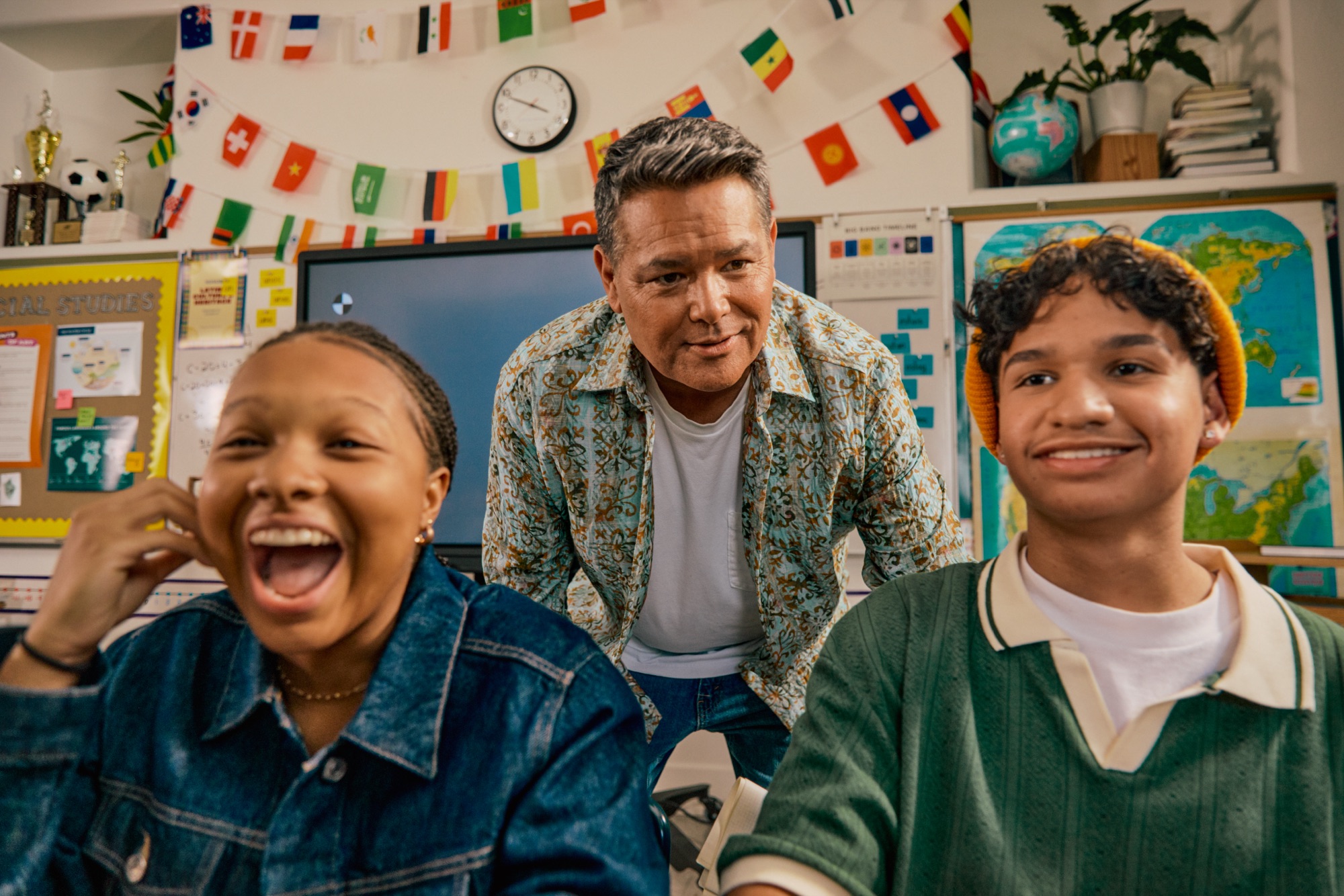
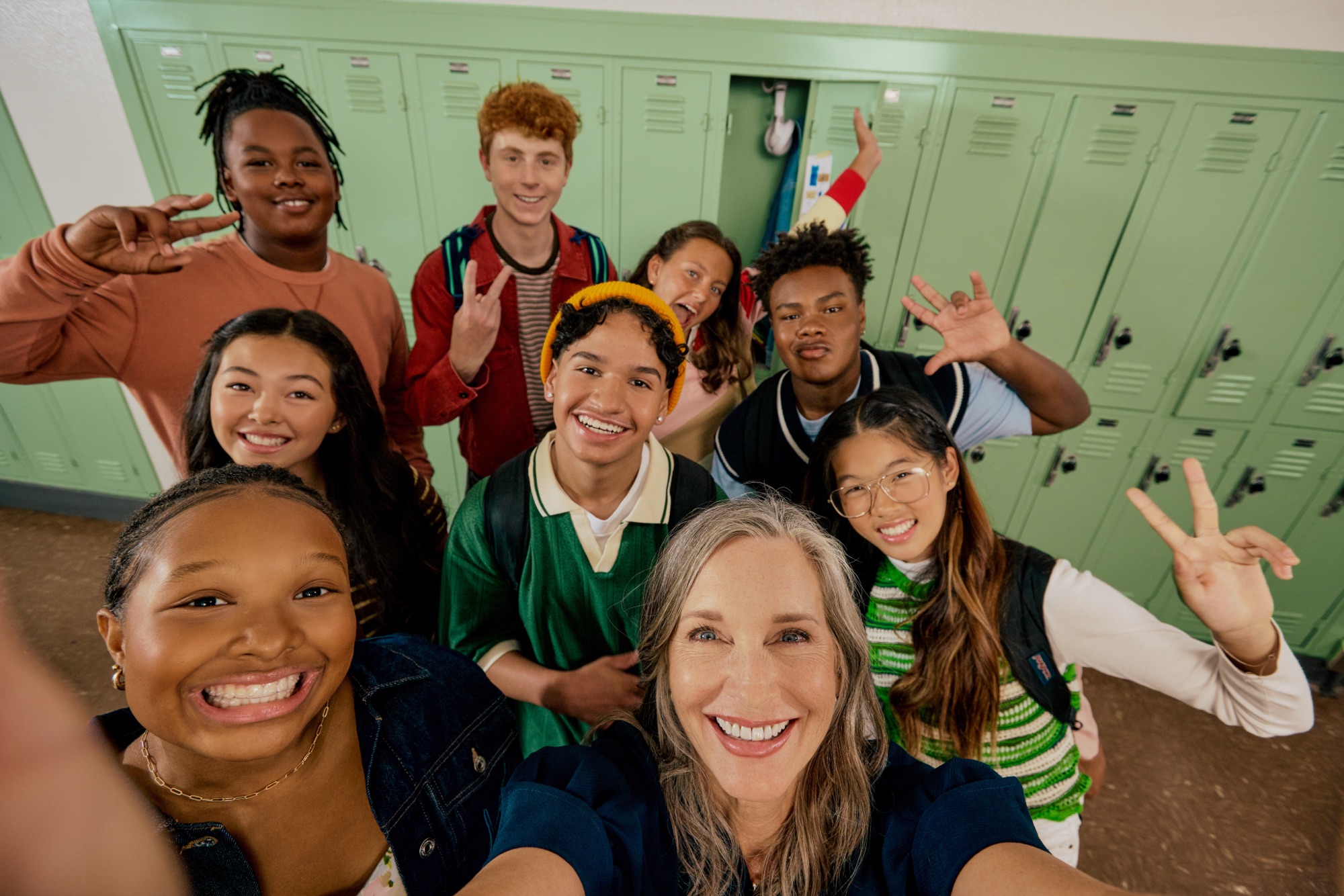
I art directed a two-day photo shoot in the U.S. with real teachers and students: an elementary class on day one and a high school class on day two. The brief was to capture the warmth, energy and joyful chaos of a classroom where everyone gets to create, from hero portraits to collaboration, devices and the work the kids made. The photography became the face of the campaign, carrying it from the newsroom launch to social, so teachers could see themselves in every touchpoint.
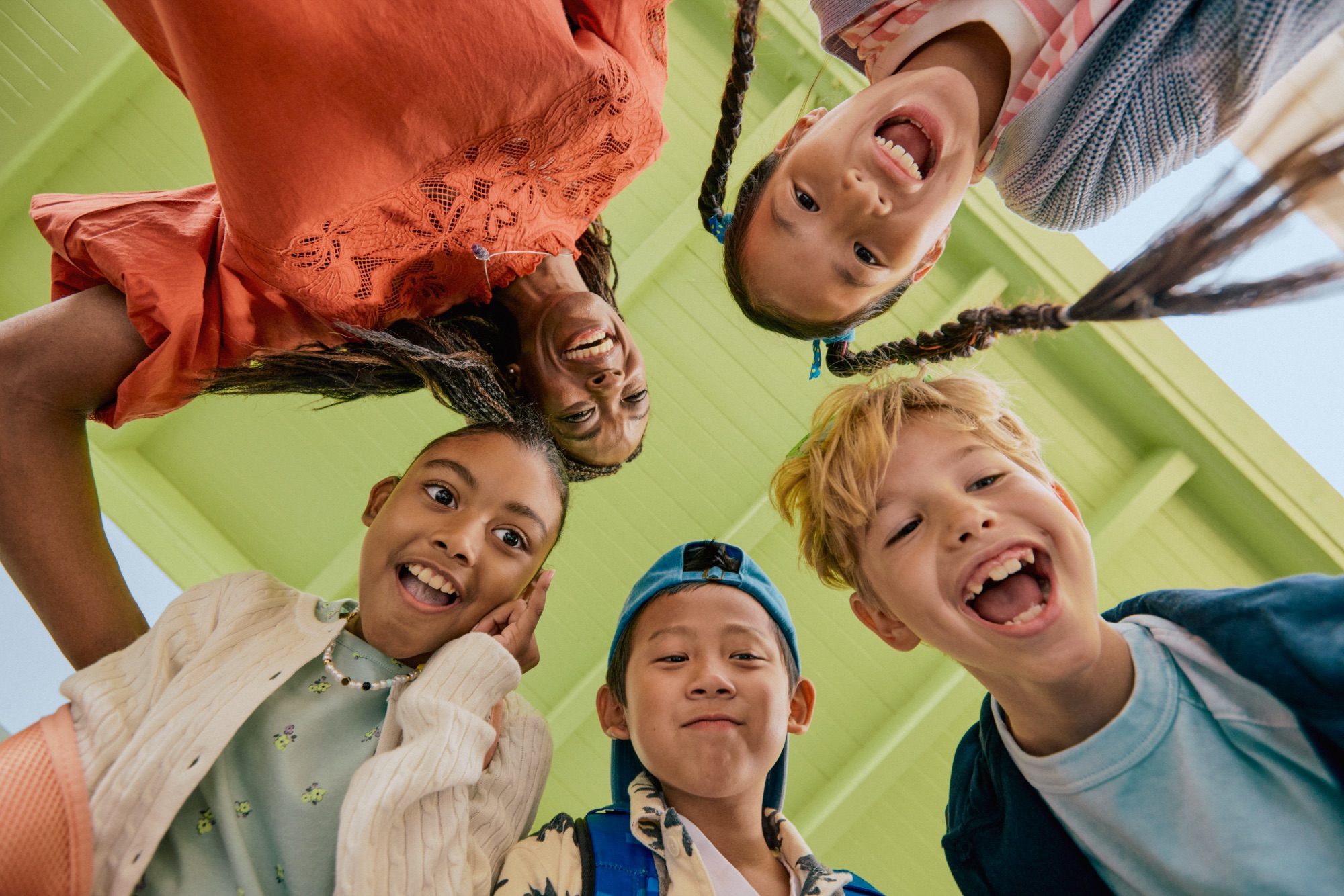
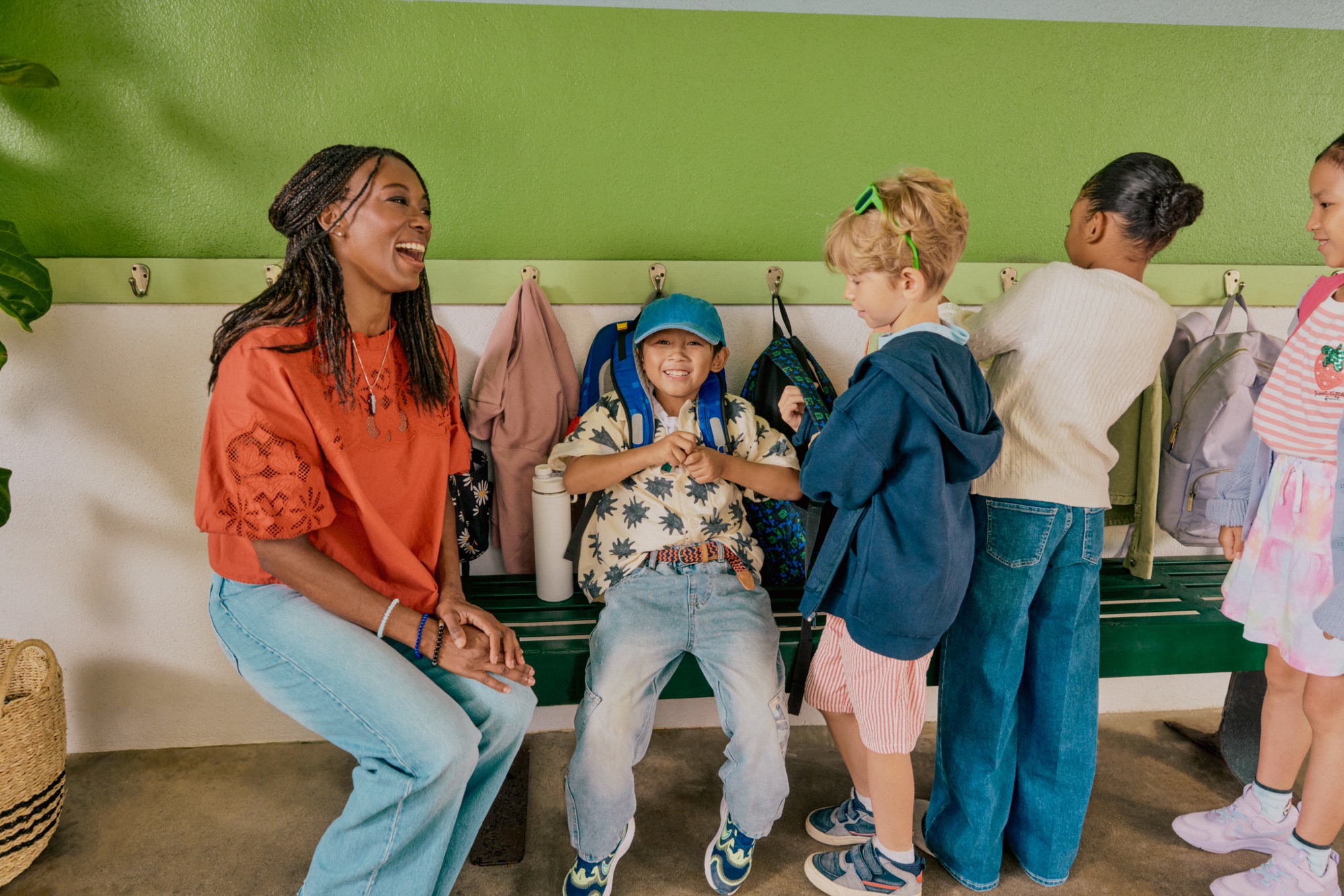
Students looking down into the camera, laughing A teacher and students in a bright classroom
Students holding up a globe in class A teacher smiling with a colourful notebook Elementary students working together at their desks A teacher at the front of a busy classroom
A teacher and student laughing together over a laptop Students dancing in the classroom
High school students and their teacher laughing at their laptops A teacher in yellow standing in front of the blackboard Portrait of a smiling teacher in her classroom
High school students and a teacher sharing a laugh A high school class celebrating together

Out in the world

On social, the campaign brought it all together: carousels introducing teachers to Canva’s AI tools and the new Learn Grid, pairing the shoot photography with the products they’d use every day in class.
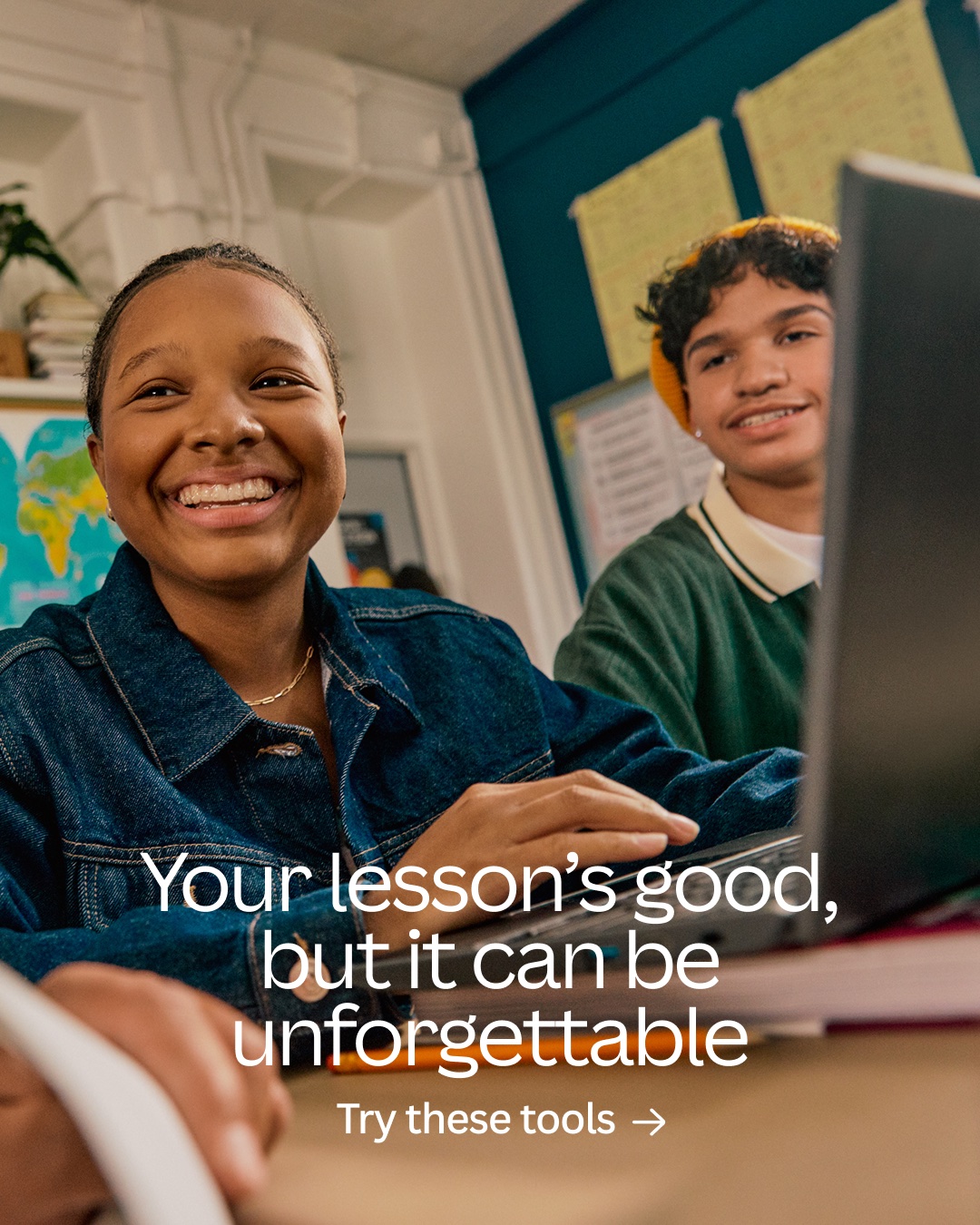
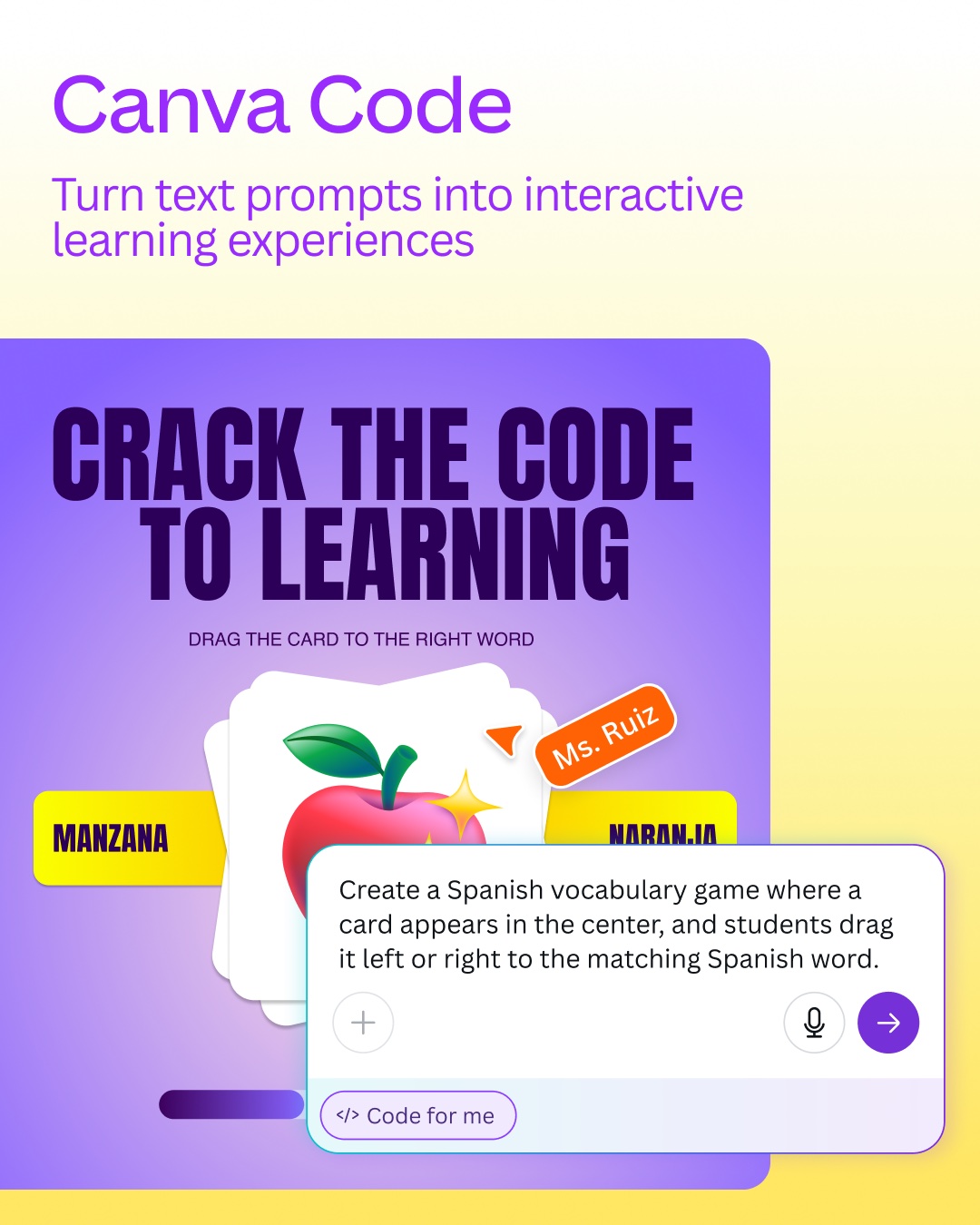
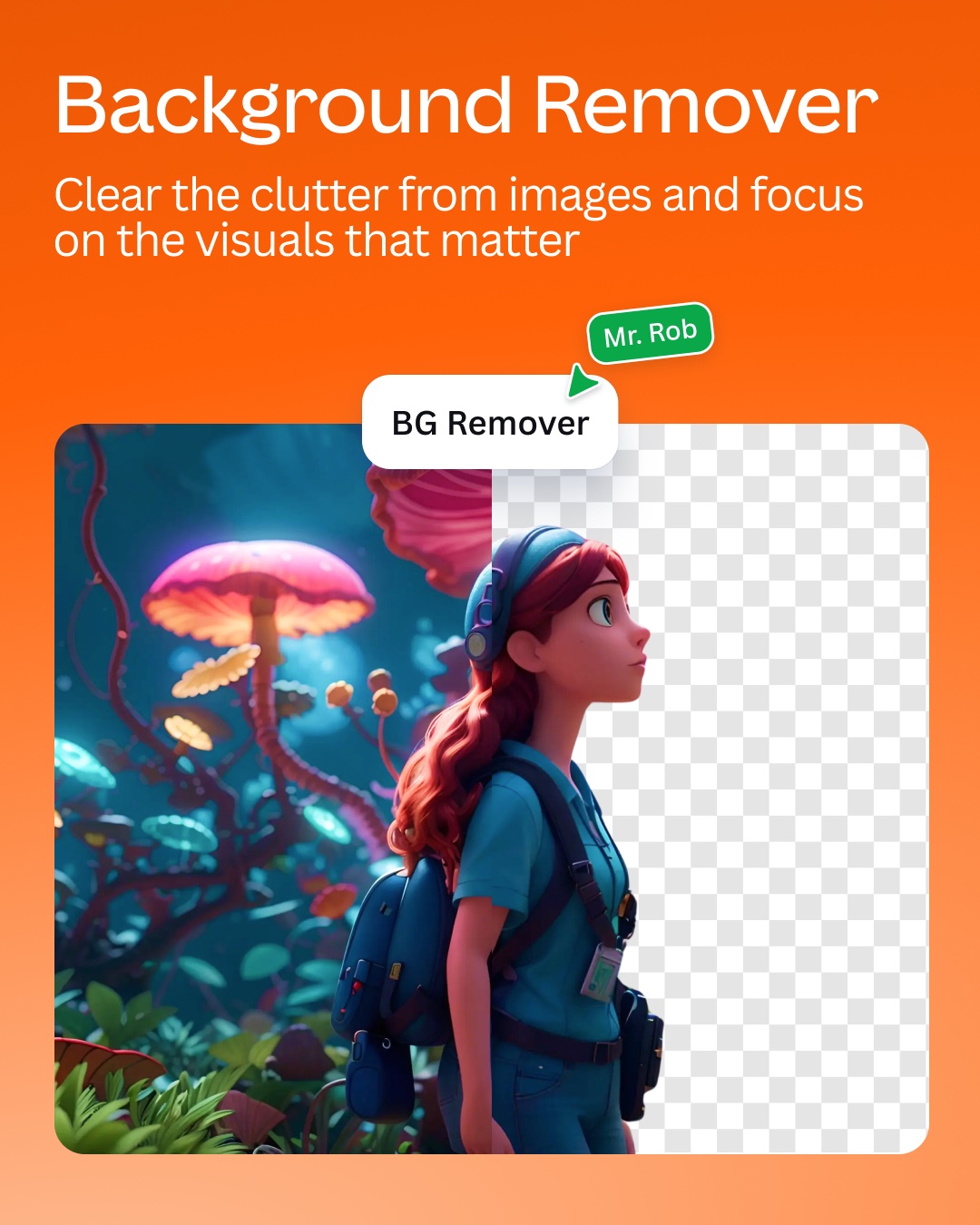
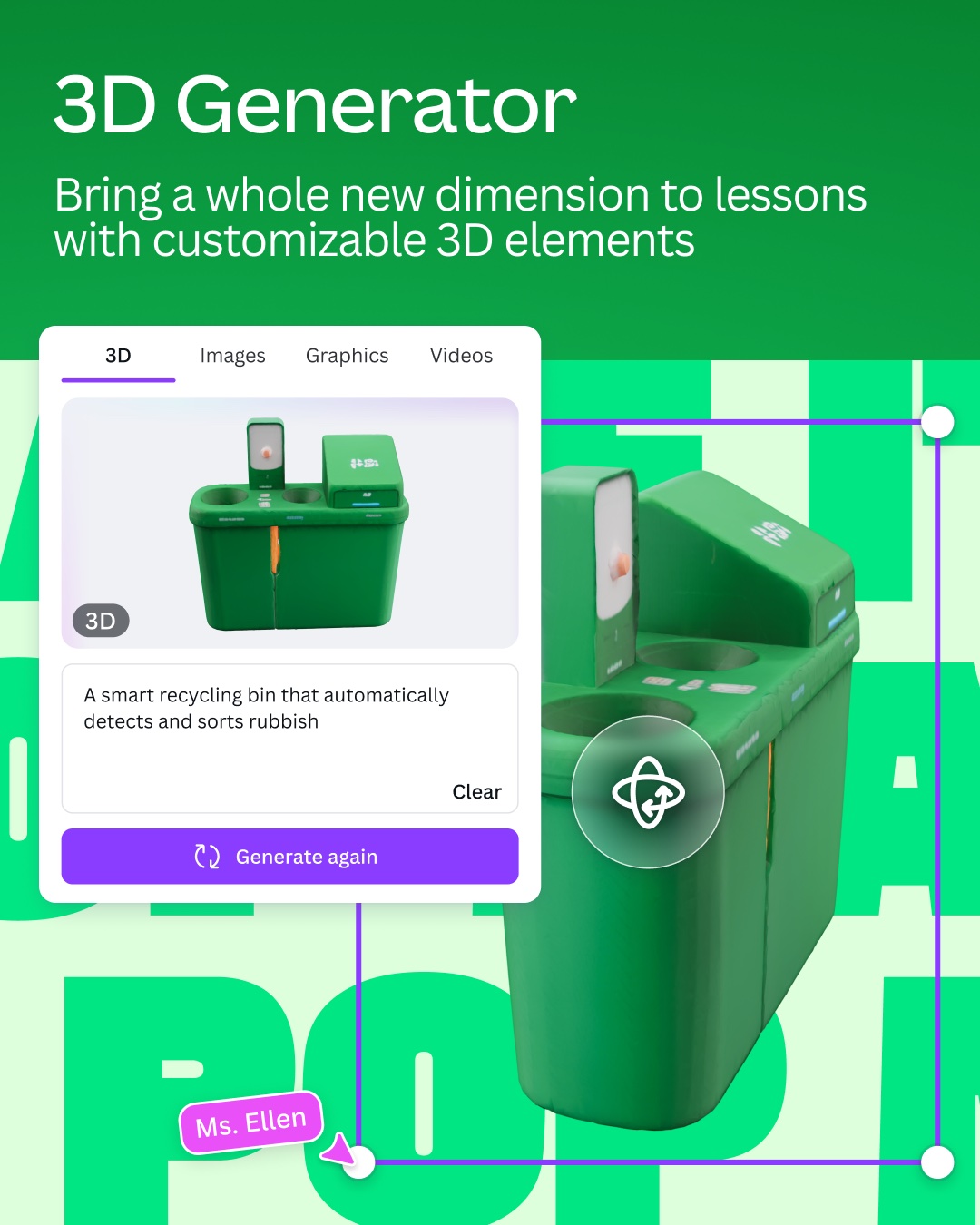
Your lesson’s good, but it can be unforgettable: Canva AI carousel cover Canva Code: turn text prompts into interactive learning experiences Background Remover 3D Generator
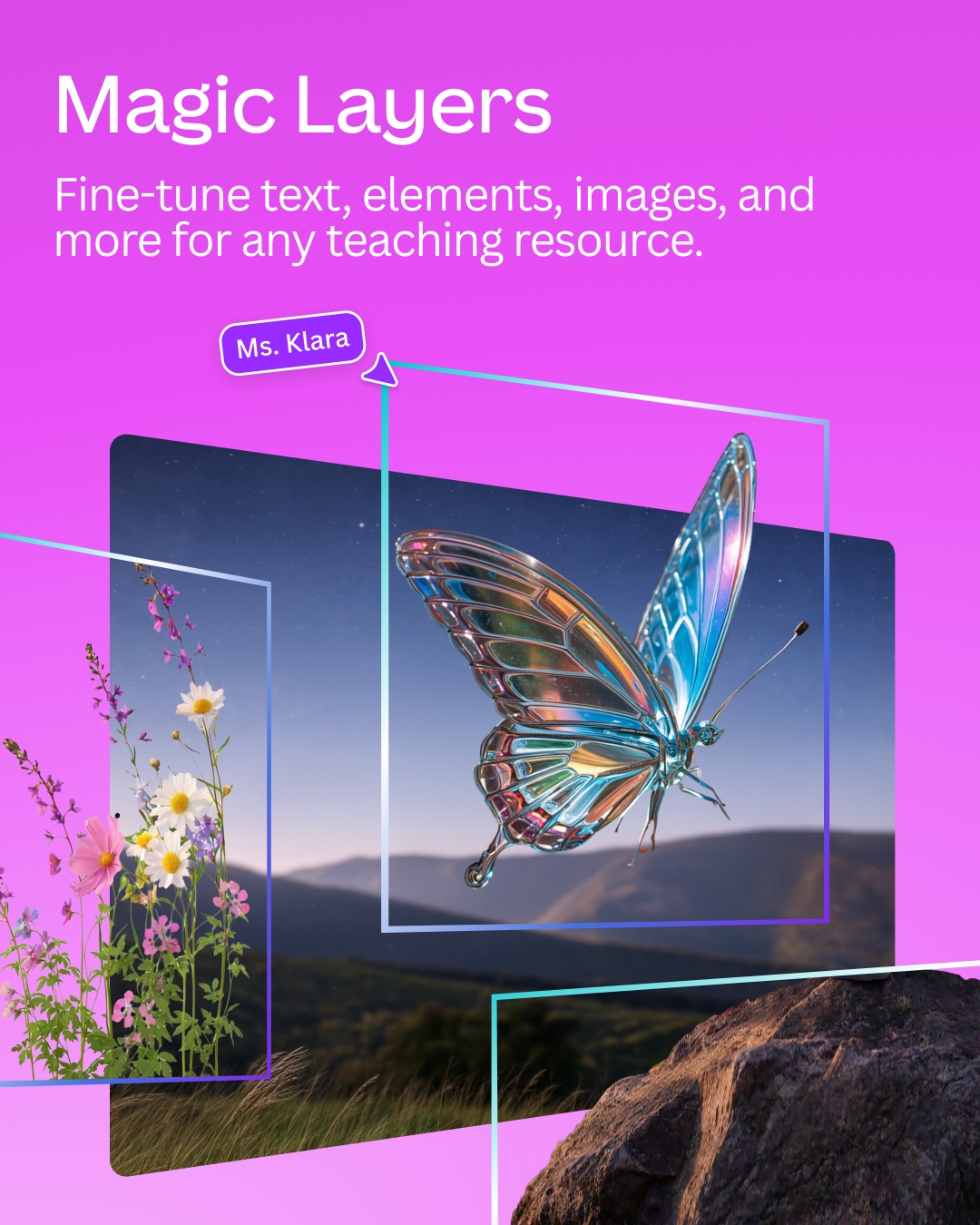
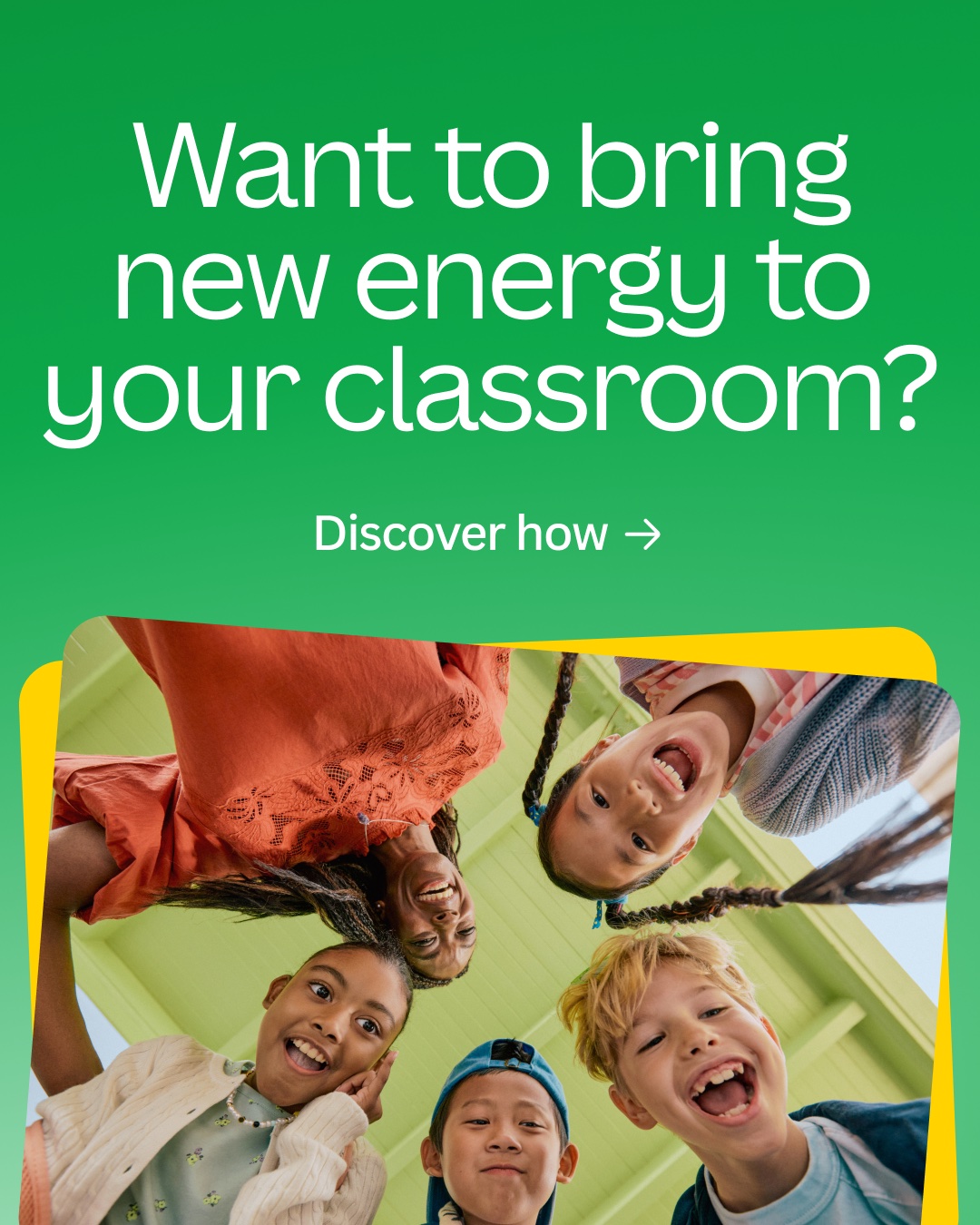
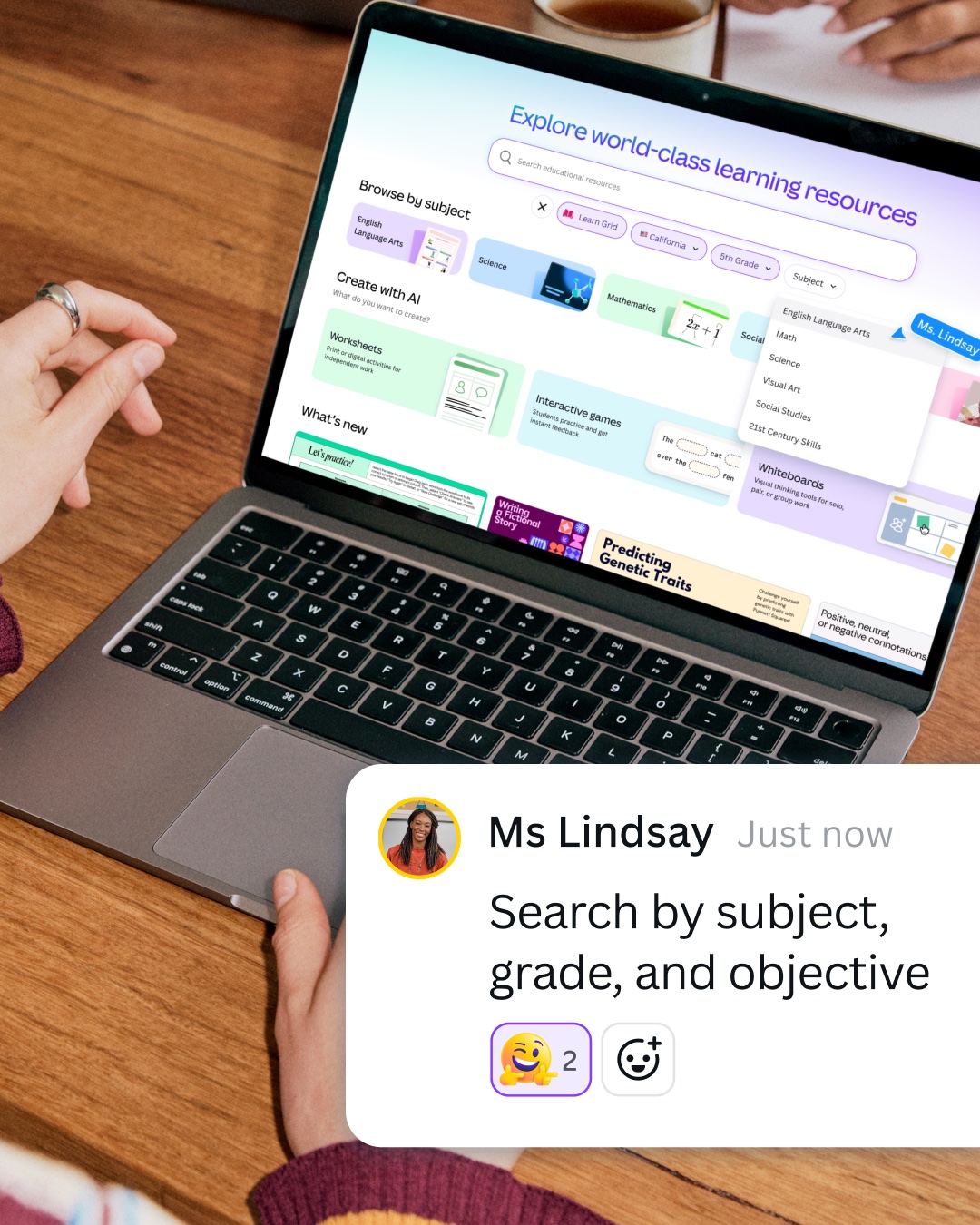
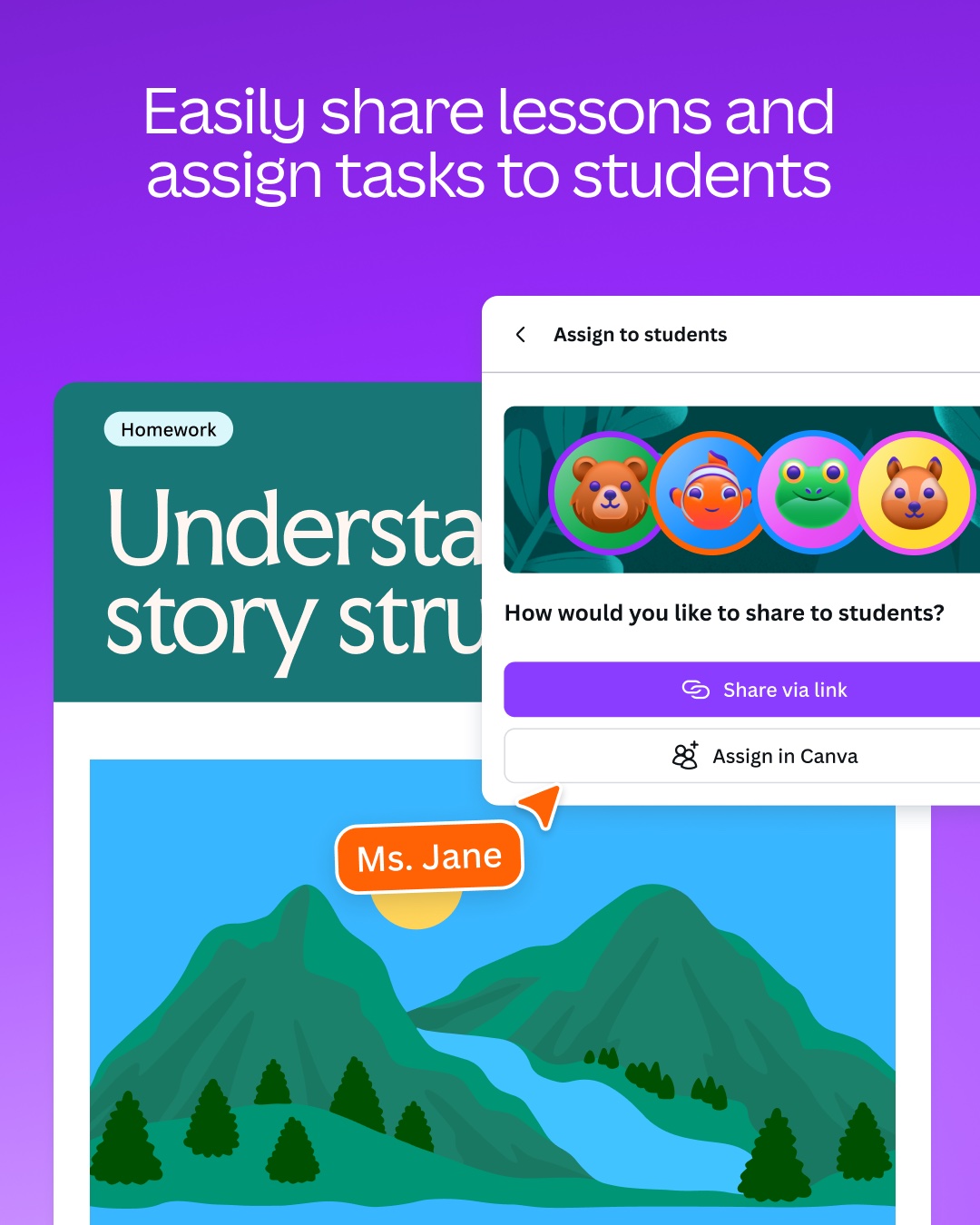
Magic Layers Want to bring new energy to your classroom? Learn Grid carousel cover Searching Learn Grid by subject, grade and objective on a laptop Easily share lessons and assign tasks to students
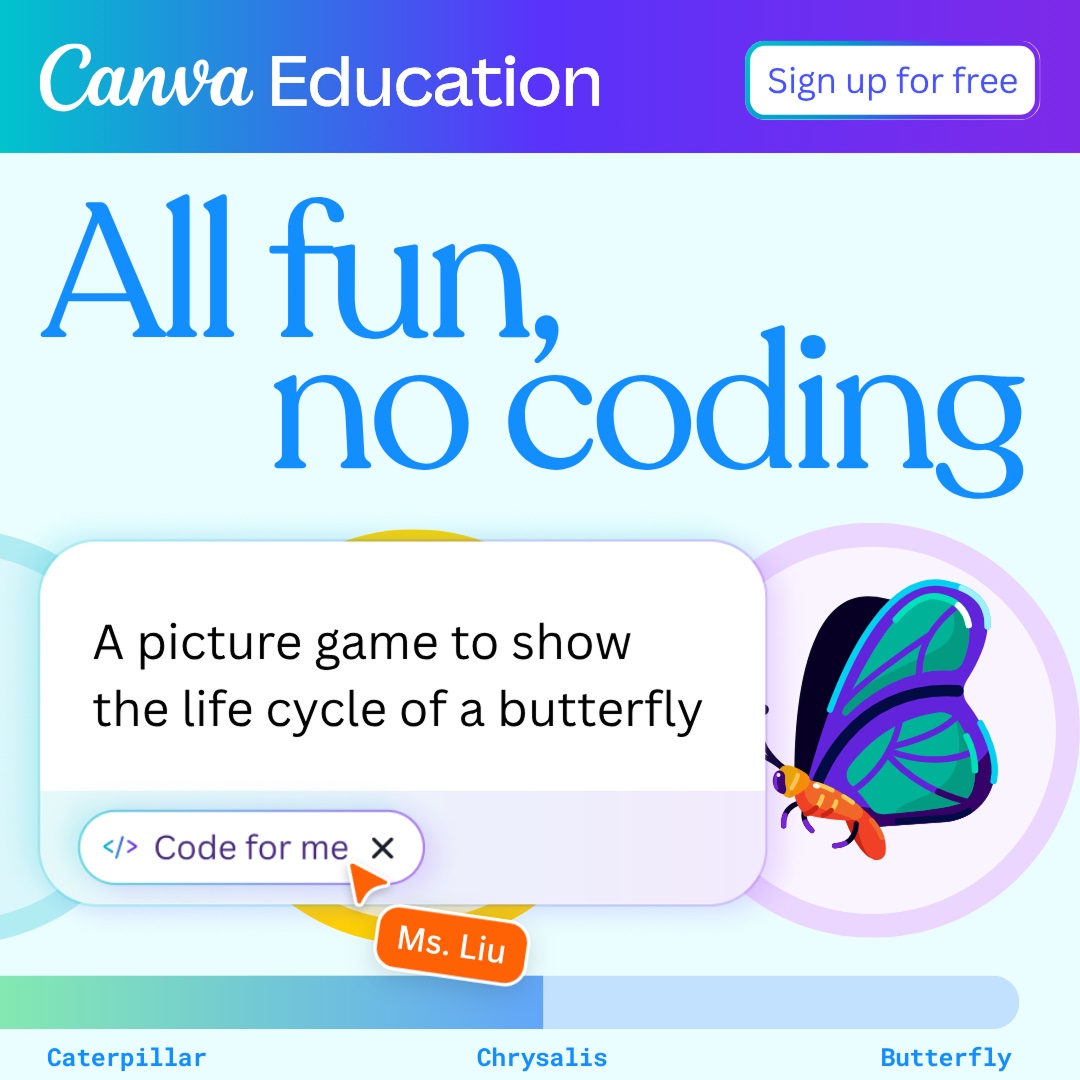
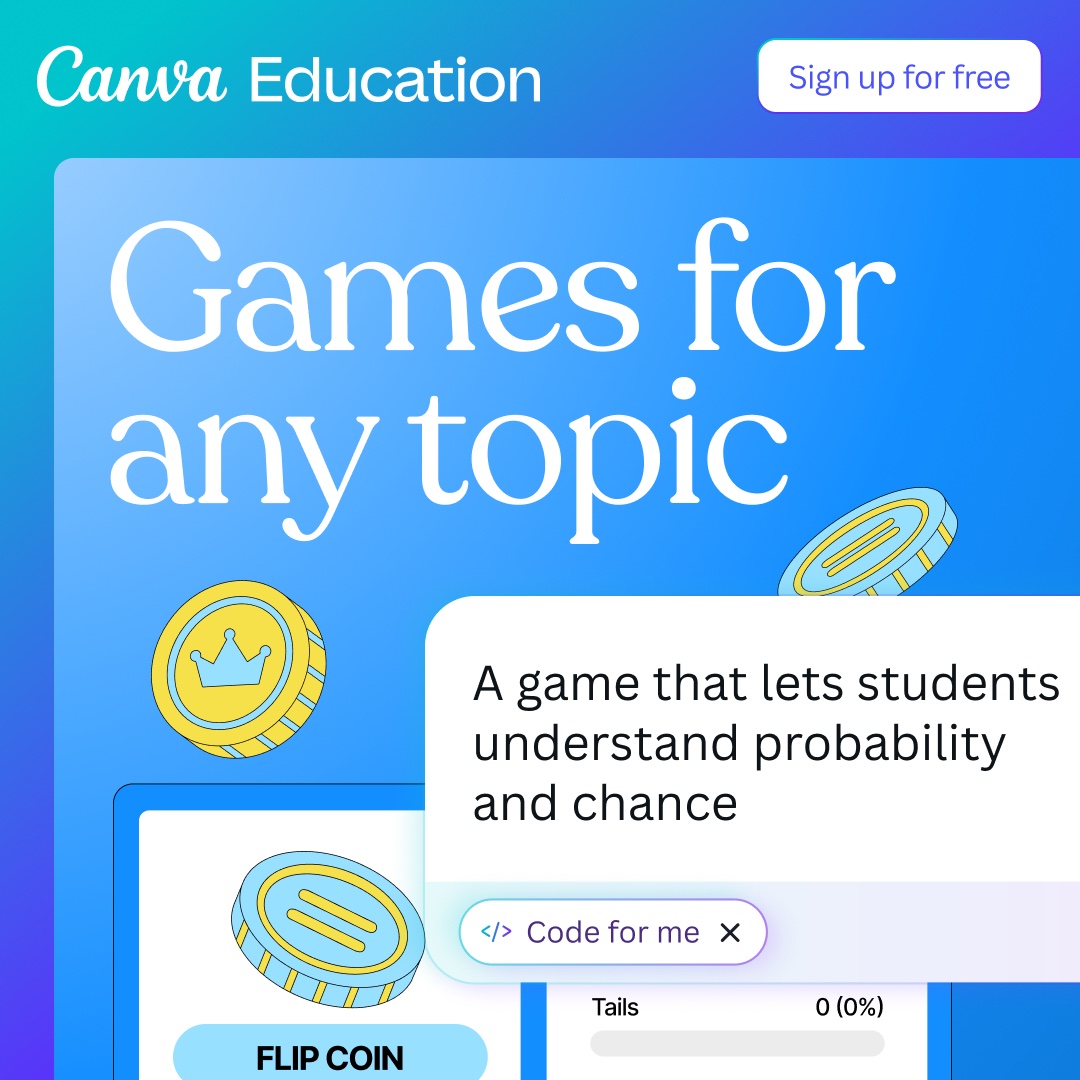
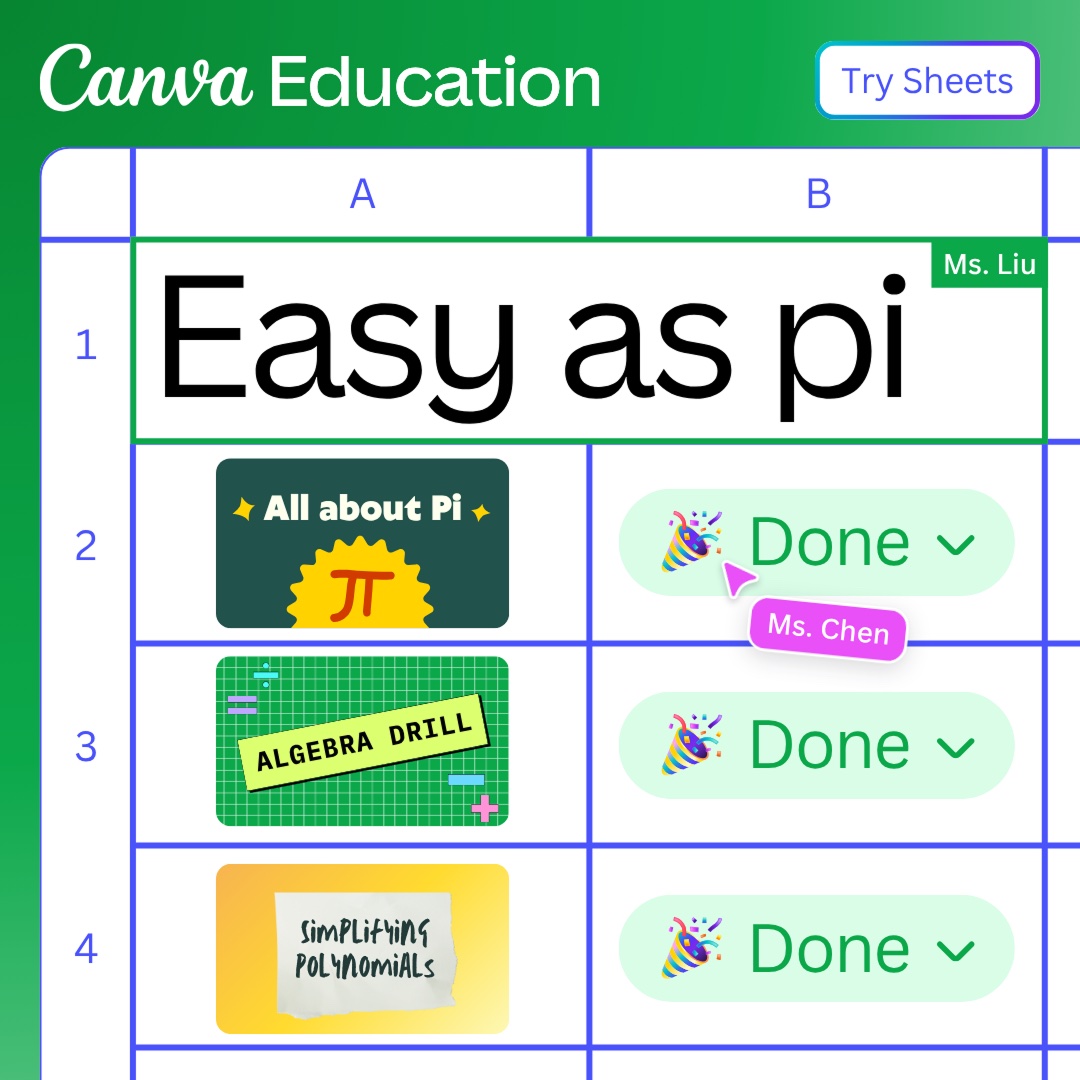
All fun, no coding: a butterfly life cycle game made with Canva Code Games for any topic: a probability game made with Canva Code 100% free for K-12: get verified today Easy as pi: Canva Sheets ad
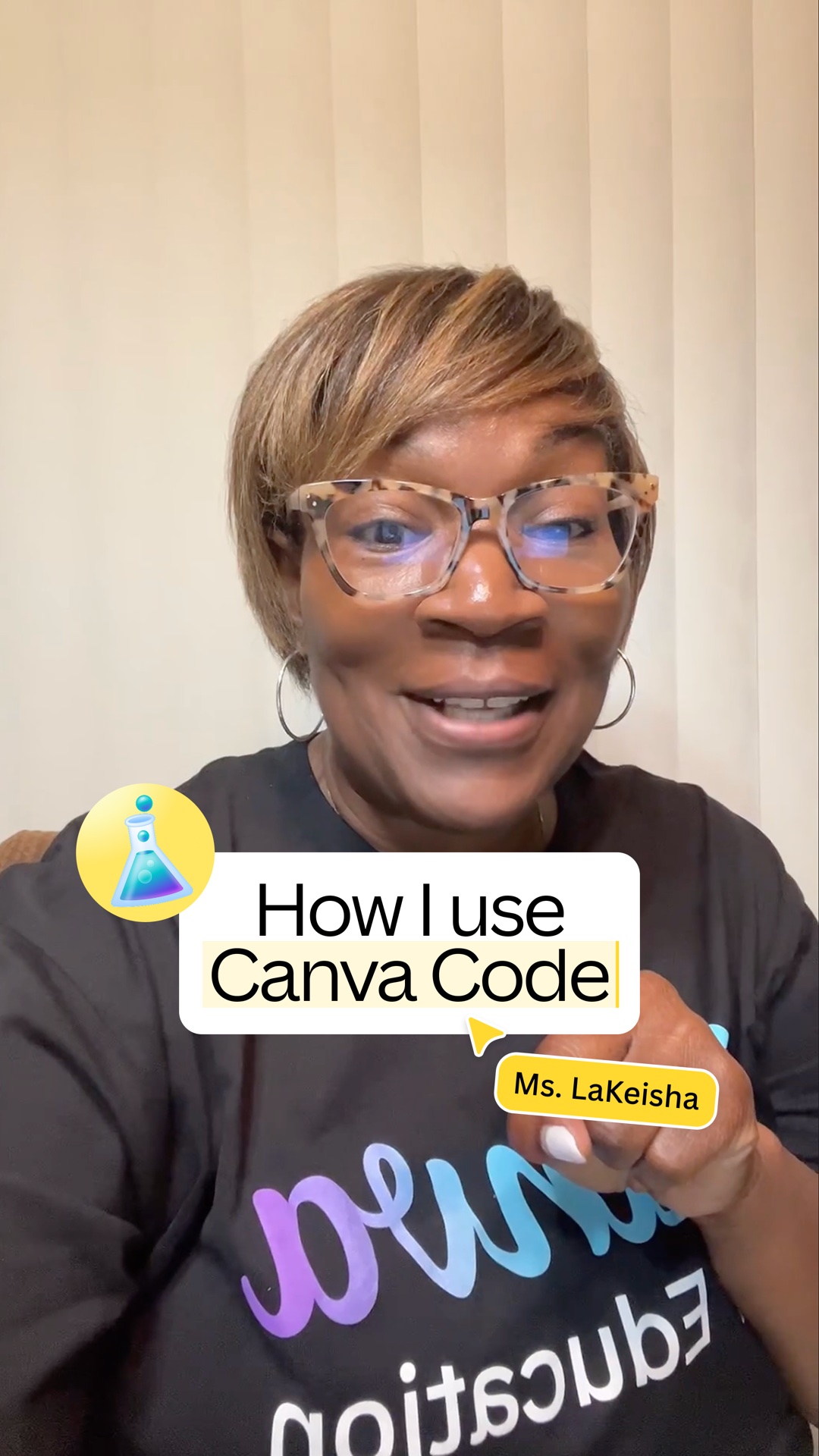
Story: Ms. LaKeisha on how she uses Canva Code
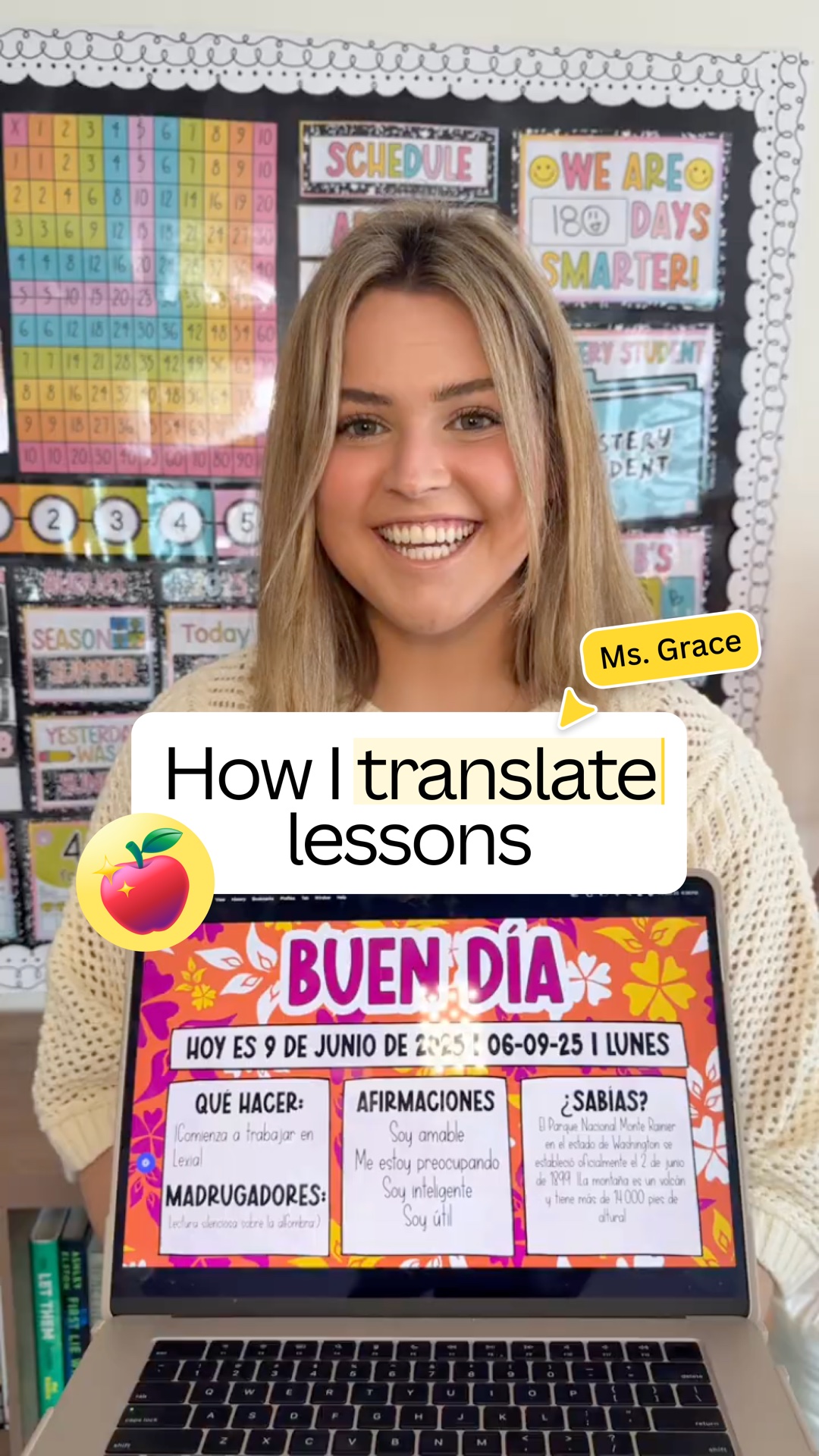
Story: Ms. Grace on how she translates lessons
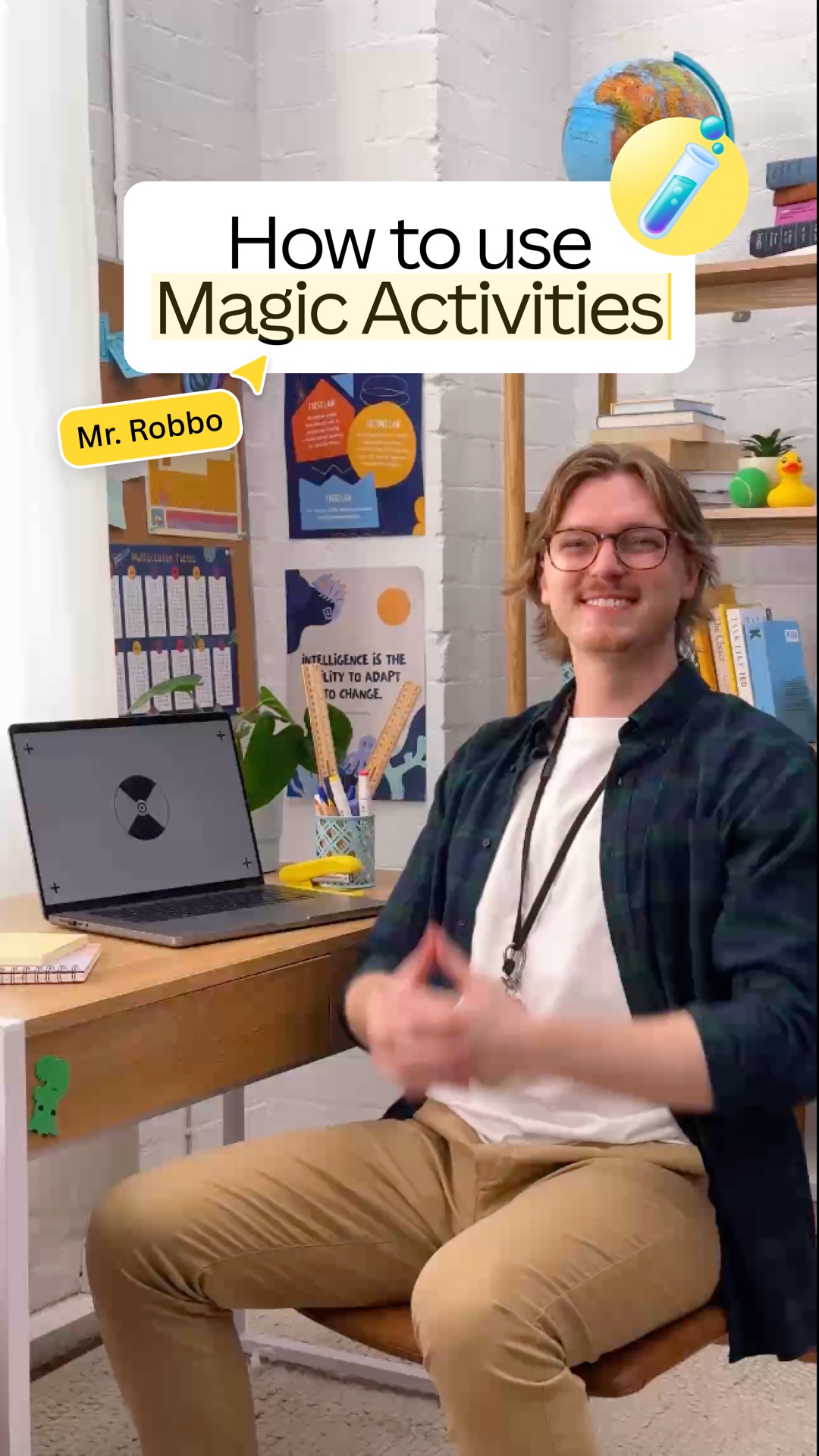
Story: Mr. Robbo on how to use Magic Activities

Your teaching toolkit

A series of short product films introduced what’s new for teachers: assigning work, AI-powered learning activities and drafts, and live learning sessions.
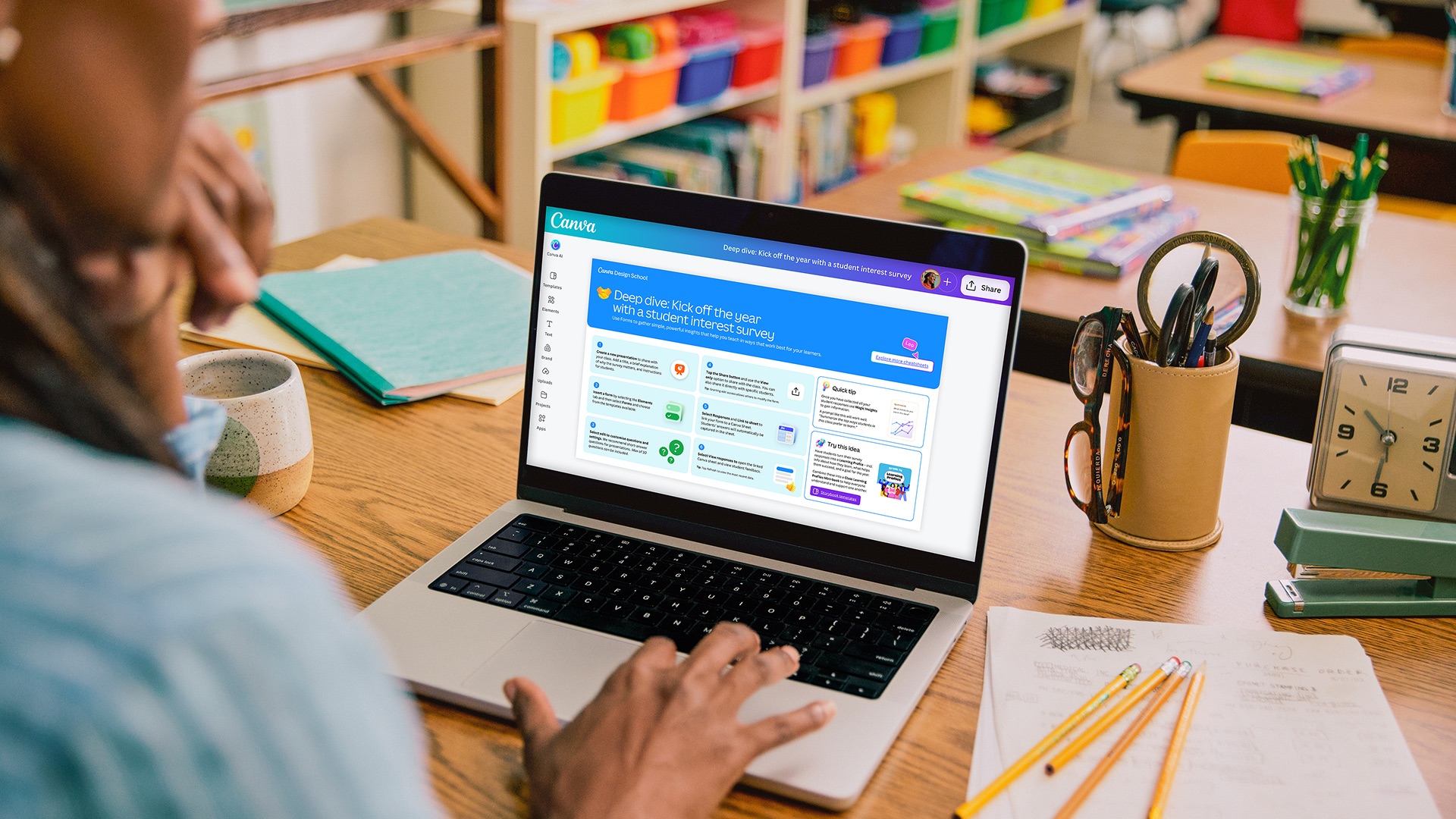
A teacher’s desk with a Canva cheat sheet on the laptop